

Landing in Xi’an: A First-Timer’s Guide to Airport Arrival & Navigating China with Travel Apps
My first trip to Xi’an started with a mix of excitement and nerves—landing in a foreign country where I barely spoke the language, armed with just a phone and a list of downloaded apps. If you’re reading this, you probably feel the same. But trust me, Xi’an is incredibly traveler-friendly, especially if you master a few key apps right from the airport. Let me walk you through my experience, step by step, so you can skip the stress and dive straight into the adventure.
Part 1: Airport Arrival – Breathe, You’ve Got This
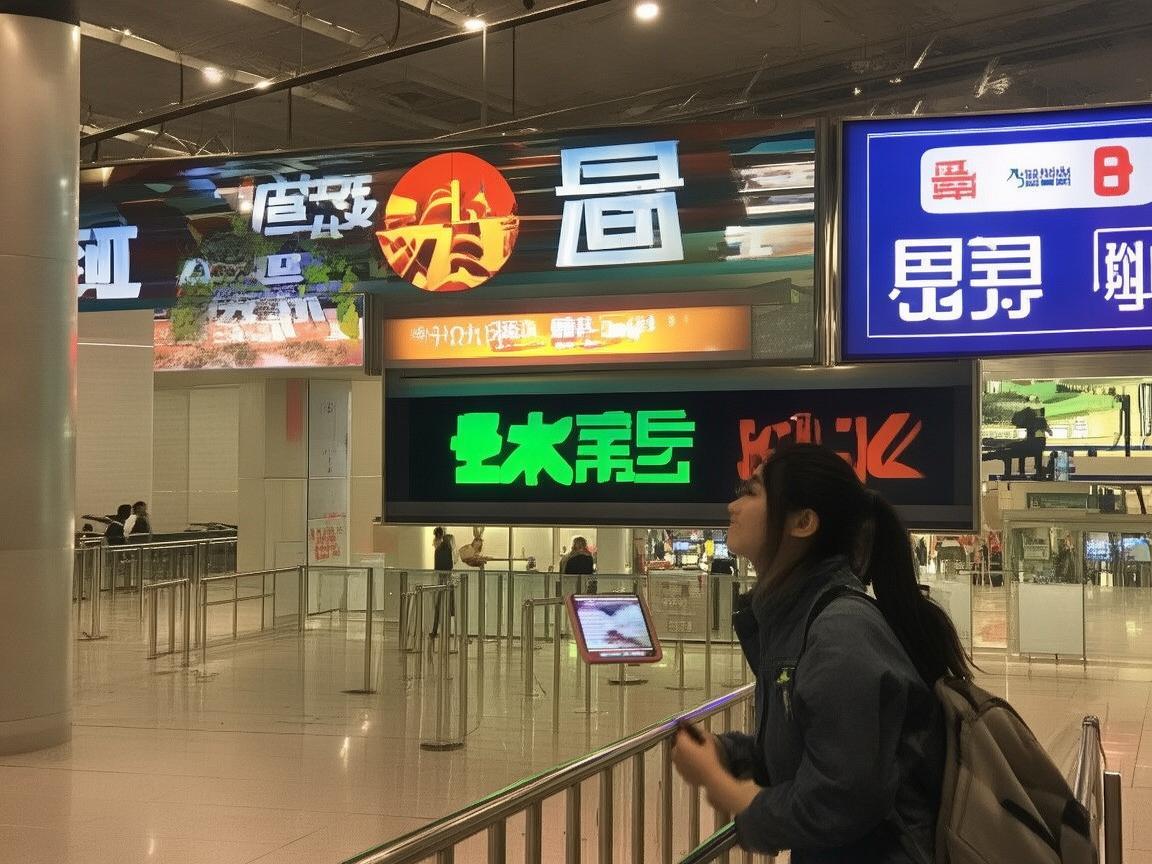
Xi’an Xianyang International Airport (XIY) is actually one of the most organized airports I’ve seen. It has two terminals: T1 (mostly domestic flights) and T3 (international and most domestic flights). If you’re flying in internationally, you’ll land at T3—here’s what to expect:
Landing in Xi’an: A First-Timer’s Guide to Airport Arrival & Navigating China with Travel Apps
Step 1: Immigration & Customs
After getting off the plane, follow the signs for “Immigration” (入境). You’ll need your passport, visa (or visa-free eligibility proof), and a health declaration form (if required—this is usually digital now, via apps like “China Customs” or “Passport Health Declaration”). The officers are efficient but serious, so have your documents ready.
Pro tip: If you’re unsure about visa rules, check the “China Visa Service Center” app beforehand. It has updates on visa policies and even lets you apply online if needed.
Step 2: Baggage Claim
Follow the signs for “Baggage Claim” (行李提取). Your flight number will be on the screens above the carousels. Xi’an airport luggage carts are coin-operated (¥5, refundable when you return the cart), but I just dragged my suitcase—less hassle!
Step 3: Finding Transportation to the City
This is where the apps save your life. The airport has three main ways to get to downtown Xi’an: taxi, airport bus, or metro. Here’s how to choose:
-
Taxi: Convenient but pricier. The official taxi stand is outside the arrival hall. Look for cars with a “出租” (taxi) sign and a meter. To avoid scams, never accept rides from people who approach you inside saying “Taxi?” Use the “Didi” app (China’s Uber) instead—open it, enter “Xi’an Xianyang International Airport T3,” and select “Comfort” or “Premium” for a fixed price (around ¥80-120 to downtown, depending on traffic).
-
Airport Bus: Cheap and reliable. Buses leave from outside T1 and T3. For downtown, take Bus “机场大巴线5号线” (Airport Bus Line 5) to “钟楼” (Bell Tower)—it’s ¥25, takes ~60 minutes, and drops you at the heart of the city. You can pay cash or scan a QR code (more on that later!).
-
Metro: The fastest way if you’re light on luggage. Metro Line 14 connects the airport to downtown. From T3, follow the signs for “地铁” (Metro)—the station is right outside the terminal. A one-way ticket to “北客站” (North Railway Station) is ¥6, and from there, you can transfer to Line 2 to reach most attractions (like “永宁门” for the city wall).
My story: I landed at 10 PM, tired but eager to get to my hotel near the Muslim Quarter. I opened Didi, booked a “Premium” car, and the driver met me at the designated pickup spot—no haggling, no confusion. Cost? ¥100. Totally worth it for the convenience after a long flight.
Part 2: The Holy Trinity of China Travel Apps
If you do nothing else before coming to Xi’an, download these three apps: WeChat, Alipay, and Gaode Maps. They’re your lifeline for everything from paying for a bus ticket to finding the best roujiamo (meat burger). Here’s how to set them up and use them:
App 1: WeChat – More Than Just Messaging
WeChat is China’s “super app”—it’s messaging, payments, maps, and more all in one. For travelers, the key features are:
-
WeChat pay: To use this, you need to link a payment method. If you have a Chinese bank account, great. If not, ask a friend to help you “top up” via their card (they can send you money via WeChat, then you transfer it to your “Wallet”). Alternatively, use the “WeChat Pay International” feature—link your international credit/debit card, and you’re good to go.
-
Mini Programs: These are like apps within WeChat. For example, scan a QR code at a restaurant to order food, or use the “WeChat Go” mini program to book train tickets. My favorite? The “WeChat Translate” mini program—just point your camera at a menu, and it translates Chinese to English in real time.
-
Scanning QR Codes: Everywhere in China—shops, buses, even street vendors—have QR codes for payment. Open WeChat, tap the “+” icon, then “Scan,” and hover over the code. If it’s a payment code, WeChat Pay will pop up; if it’s a menu, the restaurant’s mini program will open.
Pro tip: Set up WeChat Pay before you leave home. Once in China, Wi-Fi is everywhere, but having it ready saves time.
App 2: Alipay – The King of Payments
Alipay is WeChat’s biggest competitor, and in some places, it’s even more widely accepted. Like WeChat Pay, you can link an international card (look for “Alipay+” in the app). Here’s why it’s a must-have:
-
Transportation: Alipay has a “Transportation” card (交通卡) that works on buses, metros, and even some shared bikes. Open Alipay, go to “Card,” tap “Add Card,” and select “Transportation Card.” Add money, and you can scan the QR code at metro gates or bus fare boxes—no need to buy single tickets!
-
Travel Services: Need to book a train ticket? Use Alipay’s “Travel” section (火车票). Want to visit the Terracotta Warriors? Buy tickets via Alipay’s “Ticketing” service (景点门票)—skip the lines!
-
Food Delivery: Craving late-night noodles? Open Alipay’s “Ele.me” (饿了么) delivery app (it’s integrated into Alipay) and order from nearby restaurants.
My story: I forgot to buy a metro ticket one morning and was about to miss my train to the Terracotta Warriors. Then I remembered Alipay’s transportation card—scanned it at the gate, and it worked like a charm. Saved me from a ¥30 taxi ride!
App 3: Gaode Maps – Your Navigation Lifeline
Forget Google Maps—Gaode Maps (高德地图) is China’s most accurate mapping app, and it’s essential for getting around Xi’an. Here’s how to use it:
-
Download Offline Maps: Before you leave, open Gaode Maps, search for “Xi’an,” and tap “Download.” This way, you can navigate even without Wi-Fi (super helpful in the subway or remote areas).
-
Public Transit Directions: Enter your destination (e.g., “大雁塔” – Big Wild Goose Pagoda), and select “公交” (Bus) or “地铁” (Metro). Gaode will show you real-time schedules, transfer points, and even how many seats are left on the bus (yes, it’s that detailed!).
-
Walking & Taxi: For short walks, use the “步行” (Walk) feature—it has turn-by-turn directions and even shows you nearby ATMs or restrooms. For taxis, use Gaode’s built-in “Didi” integration (tap “打车” to book a ride).
-
POI Search: Need to find a “7-Eleven” or a “public toilet”? Just search in English—Gaode has decent English support for tourist areas.
Pro tip: Gaode Maps has a “Metro” icon in the bottom right—tap it to see the metro line map, which is color-coded and easy to follow. I used this every day to get from my hotel to the Terracotta Warriors, the Muslim Quarter, and the city wall.
Part 3: Bonus Apps – Make Your Trip Easier
If you have space, these apps will enhance your Xi’an experience:
-
Dianping (大众点评): China’s Yelp for restaurants. Search for “羊肉泡馍” (lamb burger soup) or “凉皮” (cold noodles), and you’ll find reviews, photos, and even wait times. My favorite find? A tiny roujiamo stall in the Muslim Quarter—Dianping showed it had 4.8 stars, and it was the best meal I had in Xi’an!
-
Ctrip (携程): For booking hotels, train tickets, or tours. I used Ctrip to book a guided tour to the Terracotta Warriors—it included pickup from my hotel, an English-speaking guide, and entrance fees. Cost? ¥380, way cheaper than booking everything separately.
-
Pleco: A Chinese dictionary app. If you see a sign you can’t translate, open Pleco, point your camera, and it’ll give you the definition. Great for learning basic phrases like “谢谢” (thank you) or “多少钱” (how much?).
Part 4: Final Tips for a Smooth Trip
-
Wi-Fi: Most hotels and cafes offer free Wi-Fi, but if you need data, buy a Chinese SIM card at the airport (China Mobile or Unicom—around ¥50 for 10GB of data).
-
Cash: While apps are king, carry some cash (¥50 and ¥100 bills) for small vendors or places with spotty Wi-Fi.
-
Safety: Xi’an is very safe, but keep an eye on your belongings in crowded areas like the Muslim Quarter. Use Didi to get home at night—avoid unmarked taxis.
Wrapping Up
Landing in Xi’an can feel overwhelming at first, but with the right apps, it’s surprisingly easy. From navigating the airport to ordering street food, WeChat, Alipay, and Gaode Maps will become your best friends. I spent 5 days in Xi’an, and thanks to these apps, I didn’t get lost once, I ate like a local, and I even learned a little Chinese.
So download those apps, charge your phone, and get ready to explore. Xi’an—with its ancient walls, terracotta warriors, and incredible food—is waiting. And trust me, you’ve got this.
Happy travels! 🚀🥟
Xi’an Airport Transfer Service
Private English-speaking driver service in Xi’an operated directly by Bruce Zhang. 24/7 airport pickup and hotel transfer for foreign travelers.
Helpful for Your Trip in Xi’an
Xian Airport Arrival Bus Tips: A First-Timers Honest Guide
2026-09-09First 24 Hours in Xian: A Travelers Survival Guide
2026-09-09Landing in Xi’an: An International Traveler’s Step-by-Step Guide to Navigating the Airport
2026-09-07Xian Airport Arrival: A Travelers Guide to Payment & Getting Settled
2026-08-28Getting from Xi’an Airport to Train Stations: A Traveler’s Practical Guide
2026-08-28Xian Airport Arrival During Chinese New Year: My Practical First-Timers Guide
2026-08-13From Xian Airport to Your Hostel: A Travelers Practical Guide
2026-08-10Xi’an Airport Arrival: A Sign Board Pickup Guide for Travelers
2026-08-08Xi’an Arrival Airport Support: A Practical Guide for First-Time Visitors
2026-08-07Xi’an Travel Tips: A First-Timer’s Guide to Smooth Airport Arrival & Hotel Pickup
2026-08-06