

Navigating Xi’an: A Tourist’s Guide to WeChat Pay & Passport Verification
Landing in Xi’an with my backpack and a head full of images of terracotta warriors and Muslim Quarter street food, I was ready for adventure. But within an hour of arriving, reality hit: I stood in a 7-Eleven, clutching a bottle of water and a confused expression, as the cashier shook her head at my credit card. “WeChat pay only,” she said, pointing to a QR code on the counter. My stomach dropped—how would I survive a week in this ancient city without cash? That’s when I learned the golden rule for any foreign traveler in China: WeChat Pay is your lifeline, and passport verification is the key to unlocking it. Over the next few days, I fumbled, learned, and finally mastered the system. Here’s your no-BS guide to getting it right.
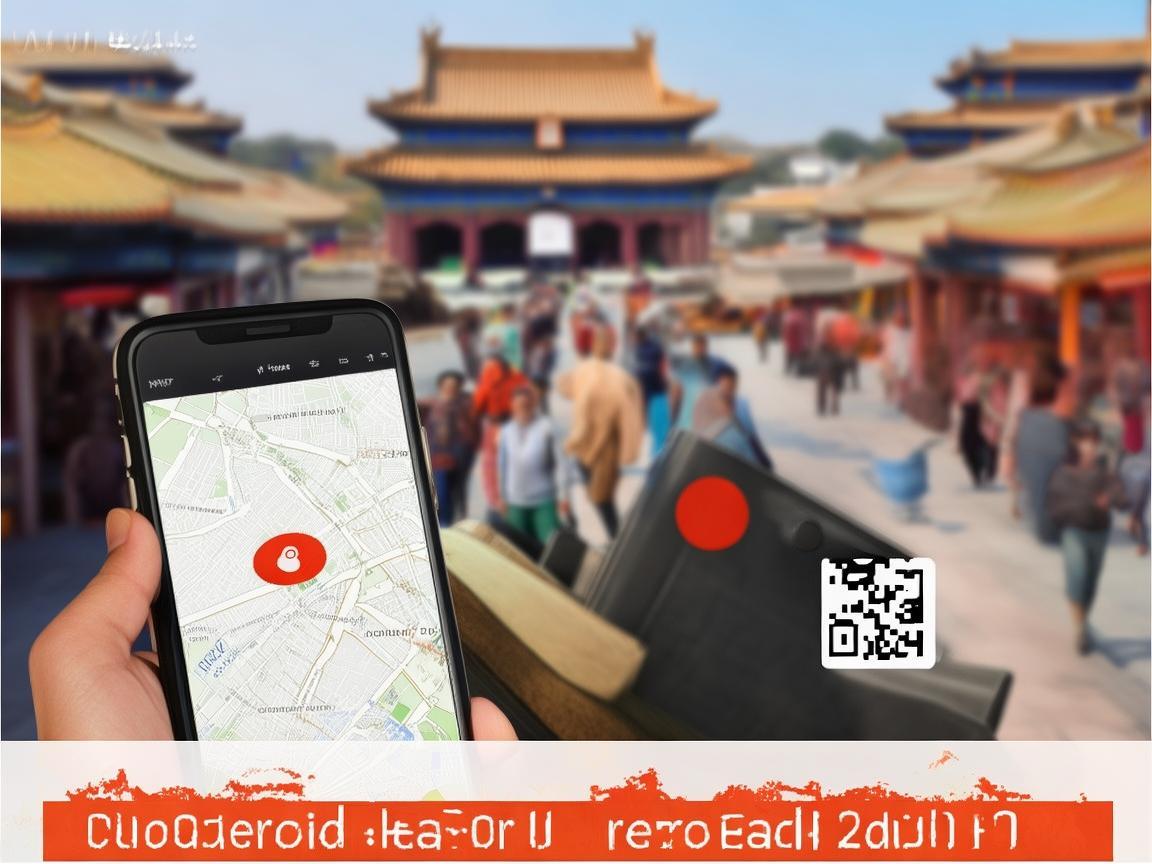
Navigating Xi’an: A Tourist’s Guide to WeChat Pay & Passport Verification
First Things First: Why WeChat Pay?
In Xi’an (and really, all of China), cash is becoming a relic. Even street vendors selling jianbing (savory crepes) or roujiamo (Chinese hamburgers) will tap their phones and say, “WeChat Pay!” Credit cards? Rarely accepted outside big hotels. Alipay is another option, but WeChat Pay is more integrated into daily life—think messaging, mini-programs for booking train tickets, and even splitting bills with friends. For a tourist, it’s not just convenient; it’s essential.
But here’s the catch: WeChat Pay requires Chinese ID for full activation. As a foreigner with only a passport, I hit a wall immediately. My first attempt to link my international debit card failed with a frustrating error: “Identity verification required.” Cue mild panic. How do you verify your identity without a Chinese ID? Spoiler: It’s possible, but you need to know the steps.
Step 1: Download & Set Up WeChat
If you haven’t already, download WeChat from the App Store (iOS) or Google Play (Android). Sign up with your phone number—you’ll need a Chinese SIM card to receive the verification code (buy one at the airport; China Unicom or China Mobile both have English-speaking staff).
Once you’re in, go to Me → Wallet. Tap “Add Bank Card” and enter your international debit/credit card (Visa/Mastercard work). You’ll be asked to verify your identity—this is where the passport comes in.
Step 2: Passport Verification: The Crucial Step
WeChat’s “identity verification” for foreigners is actually a government-mandated process called Real Name Authentication (实名认证). Here’s how to do it:
- In WeChat Wallet, tap your profile picture (top left) to go to “Account Security.”
- Select “Real Name Authentication.” You’ll see two options: “Chinese ID” and “Foreign Passport.” Choose the latter.
- Upload your passport details: You’ll need to scan your passport’s information page (the one with your photo, name, and passport number). Make sure the photo is clear—no glare, no blurry text.
- Add a supporting document: This is the step I missed initially. WeChat also needs proof of your legal status in China. For tourists, this is your visa page (if you have a visa) or your entry stamp (if you’re in visa-free transit). Take a clear photo of the visa stamp or the page with the entry/exit dates.
- Wait for approval: It takes 1–3 days. I was approved in 24 hours, but friends have waited up to 48 hours. Don’t do this the day before you need to pay for a train ticket!
Once verified, you’ll see a green checkmark next to your name in “Account Security.” Congratulations—you can now use WeChat Pay!
Step 3: Link Your Card & Top Up
After verification, go back to Wallet → Cards → “Add Bank Card.” Enter your international card details this time—WeChat should now let you link it. You’ll need to set a 6-digit PIN for payments (different from your phone’s passcode).
Pro tip: International cards have low daily limits (usually ~¥5,000, or ~$700). If you plan to shop a lot (hello, silk road souvenirs!), top up using a “virtual wallet” feature:
- Go to Wallet → Balance → “Recharge.”
- You can link a Chinese bank account if you have one, but for most tourists, it’s easier to just use your card for small, frequent transactions.
Step 4: Using WeChat Pay Like a Local
Once you’re set up, WeChat Pay is everywhere. Here’s how to use it:
In Stores & Restaurants
Look for a QR code labeled “WeChat Pay” (it’s usually green with a white “W”). Open WeChat, tap Me → Wallet → QR Code (at the bottom). Show the cashier your screen—they’ll scan it with their phone. Done!
My first success: At a Muslim lamian (noodle shop) in the Muslim Quarter, I ordered a bowl of beef noodles, showed my QR code, and the owner beamed. “Good!” she said, handing me change in cash (yes, some places still give small change in cash).
Taxis & Ride-Hailing
Use Didi (China’s Uber) via WeChat’s mini-programs:
- Open WeChat → Search “Didi” in the top bar.
- Enter your pickup and drop-off locations.
- Pay with WeChat Pay automatically—you don’t even need to take out your phone!
Attractions & Public Transport
For the Terracotta Army, Forbidden City, or other big sites, buy tickets on WeChat’s “Trip.com” mini-program to skip lines. For the subway, open WeChat → Search “Xi’an Metro” → Tap “QR Code” to generate a metro pass—just scan it at the gate.
Hiccups & How to Fix Them
I messed up a few times—here’s how to avoid my mistakes:
- “Payment failed” error: This usually means your card has daily limits. Try a smaller amount, or use cash for big purchases (yes, keep some ¥10/¥20 bills for emergencies).
- QR code won’t scan: Make sure your phone’s brightness is up—dim screens are hard to read. Also, some merchants have old scanners; just tap “Refresh” on your QR code screen.
- Forgot your PIN?: Go to Wallet → Cards → Select your card → “Reset PIN.” You’ll need to verify with your phone number.
Final Tips for a Smooth Trip
- Download WeChat before you arrive: Setting up with a Chinese SIM card is easier at the airport, where staff can help.
- Carry a little cash: For small vendors or markets (like the Great Mosque’s tea stalls), cash is still king.
- Ask for help: Chinese people are incredibly kind. If you’re stuck, show a shopkeeper your phone—they’ll often tap it for you!
By the end of my trip, I was paying for baozi (steamed buns) with one hand and navigating the ancient city walls with the other—all thanks to WeChat Pay. Xi’an’s magic isn’t just in its history; it’s in the way it blends tradition with modern convenience. With a little prep, you can too. Now go—there’s Paomo (bread soup) waiting, and your QR code is ready.
Xi’an Airport Transfer Service
Private English-speaking driver service in Xi’an operated directly by Bruce Zhang. 24/7 airport pickup and hotel transfer for foreign travelers.
Helpful for Your Trip in Xi’an
Xi’an Night Markets: A Tourist’s Guide to Navigating QR Code Payments Like a Local
2026-09-08Renting a Car in Xi’an as a Foreigner: A Practical Guide to Payments and More
2026-09-0612-Hour Xi’an Layover: A Foreigner’s Guide to Payments & Must-See Spots
2026-09-03Xi’an Travel Tips for Foreigners: Navigating Payments & Hotel Drop-offs Like a Pro
2026-09-02Your QR Payment Survival Guide for Xi’an: How to Pay Like a Local
2026-09-01Xi’an Travel Tips: Why Cash Still Matters (and Where to Use It!)
2026-08-26Macau Payment Guide for Foreign Travelers: From Cash to Apps
2026-08-19Xi’an Travel: A Tourist’s Guide to Scenic Area Payments & Tips
2026-08-13Navigating Payments in Xi’an Without a Data Plan: A Tourist’s Practical Guide
2026-08-11Smart Savings in Xi’an: A Traveler’s Guide to Education-Friendly Payment Systems
2026-08-10