

Navigating Xi’an Like a Local: My QR Pay Survival Guide
Landing in Xi’an with a backpack and a head full of images of terracotta warriors and ancient city walls, I thought I’d prepared for everything—guidebooks, comfy shoes, even snacks for long days of sightseeing. What I hadn’t prepared for was the sheer panic of trying to pay for a taxi and realizing my wallet held zero Chinese yuan. The driver, pointing at a faded sticker on his dashboard showing a QR code, muttered, “WeChat pay or Alipay only.” I stood there, jet-lagged and helpless, until a kind student passing by scanned my international credit card to get me set up with a mobile wallet. That moment taught me a hard truth: in Xi’an, QR pay isn’t just convenient—it’s essential. Over two weeks, I went from fumbling with cash to swiping like a local, and here’s everything I wish I’d known before I arrived.
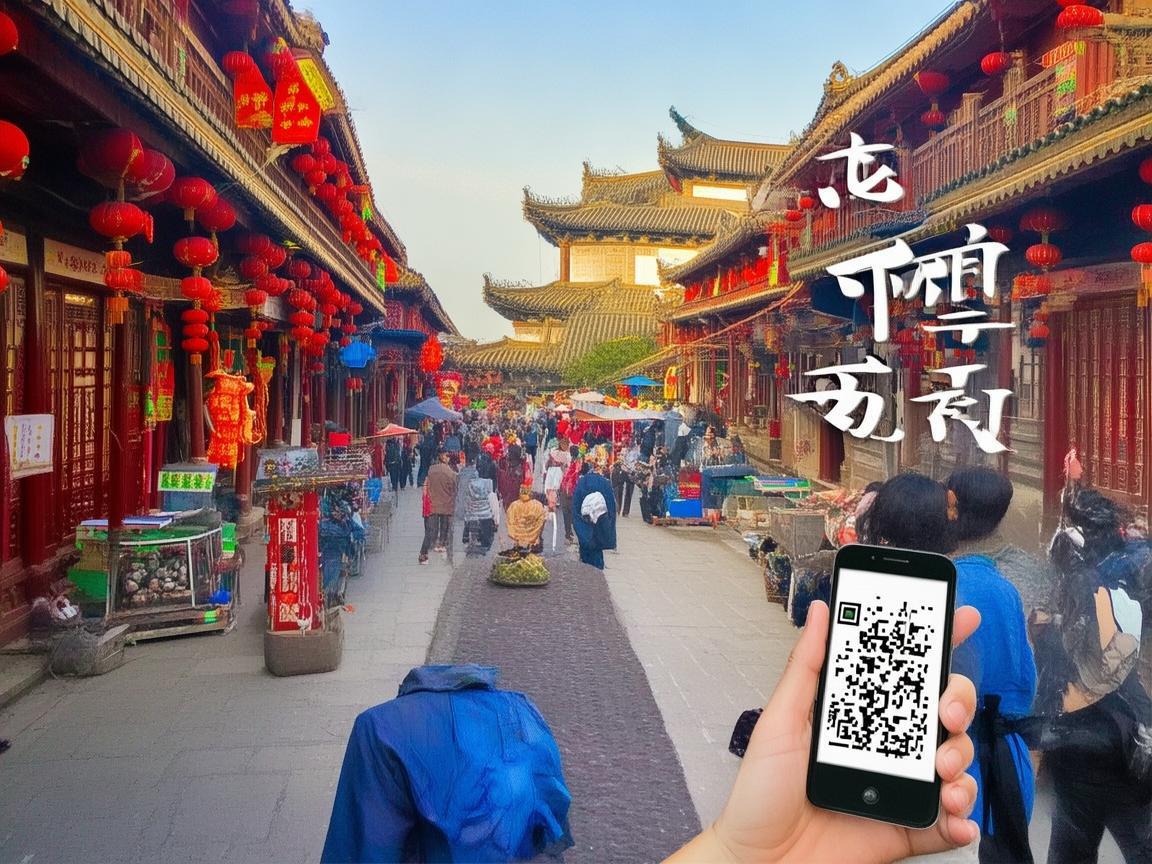
Navigating Xi’an Like a Local: My QR Pay Survival Guide
First Things First: Why QR Pay Rules in Xi’an
Let’s get this straight: cash is not king here. While big hotels and airports might take foreign bills, nearly every local spot—from street vendors selling roujiamo (Chinese hamburgers) to noodle shops in the Muslim Quarter—relies on QR codes. Even the subway ticket machines and public buses prefer mobile payment. I once tried to pay for a 10 yuan bowl of noodles with a 50 yuan bill, and the shopkeeper just waved it away, pointing to her Alipay QR code. “Too much change,” she said. Lesson learned: carrying cash is just asking for hassle (and awkward moments).
The Big Two: WeChat Pay vs. Alipay
You’ll hear two names over and over: WeChat Pay and Alipay. Think of them as China’s dynamic duo of mobile payments. Here’s the quick rundown:
- WeChat Pay: Tied to WeChat (China’s super-app, like WhatsApp + Instagram + PayPal combined). If you already use WeChat to chat with friends or join group tours, this is the easiest to set up. It’s super common for small purchases—street food, taxis, convenience stores.
- Alipay: Owned by Alibaba, it’s more like a digital wallet with extra features (investments, bill payments, even bike rentals). Many older vendors and larger shops prefer this, but honestly, both work almost everywhere.
Pro tip: Don’t stress about choosing one. I used both—WeChat for daily buys (coffee, snacks) and Alipay for bigger expenses (hotel bills, train tickets). Just pick one to start with, and add the other later if you need.
Step-by-Step: How to Set Up QR Pay as a Foreigner
Okay, let’s get practical. You’ll need a smartphone, internet (more on that later), and either a Chinese phone number (hard for tourists) or a workaround. Here’s how I did it with just my passport and a foreign credit card:
Download the Apps
First, get WeChat and Alipay from your app store (they’re available globally, no VPN needed). Create an account with your email—easy enough.
Link Your Bank Card
This is the key step. For WeChat:
- Open WeChat → “Me” → “Services” → “Wallet” → “Payment Methods” → “Add Bank Card.”
- Enter your credit/debit card details (Visa/Mastercard work fine; I used my Chase card).
- Verify with a one-time code from your bank (they’ll text/email it to you).
For Alipay:
- Open Alipay → “Me” → “Payment Methods” → “Bank Cards” → “Add Bank Card.”
- Same process—enter card details, verify with your bank.
Note: Some banks block foreign transactions in China. Call your bank beforehand to say you’ll be using the card abroad—save yourself a declined payment!
Top Up Your Wallet (Optional but Helpful)
You can link your card directly to pay, but I liked adding 500-1000 yuan to my WeChat/Alipay wallets first. Why? Smaller payments (like 5 yuan for a bus ride) are instant this way, and you avoid bank fees for tiny transactions. Just go to “Wallet” → “Recharge” and use your card.
Find Your QR Code!
Once set up, this is your golden ticket:
- WeChat: “Me” → “Wallet” → “QR Code.” It’s a green square with your头像 (profile pic) in the middle.
- Alipay: “Me” → “QR Code.” A blue square with your ID.
Save these screenshots to your phone—just in case the app crashes. And never share your QR code with strangers! Only show it to vendors after they’ve scanned theirs.
Real-Life Scenarios: How to Pay Without Stress
Theory’s great, but let’s talk real life. Here’s how I navigated common situations:
At a Street Food Stall (Muslim Quarter, for example)
I walked up to a roujiamo vendor, pointed at the meat-filled buns, and held up my phone with WeChat Pay open. She smiled, held up her own Alipay QR code (vendors usually have both), and I scanned hers. The app buzzed, and 8 yuan disappeared from my wallet—done in 10 seconds. No fumbling for coins, no “do you take dollars?” awkwardness.
Taking a Taxi
One morning, I hailed a cab to the Terracotta Army. The driver grunted when I showed him my QR code—then pointed to a small device on his dashboard. Ah, right: many taxis have a “payment machine” that scans your phone for you. Just hold your QR code up to the screen, and it beeps to confirm. No need to hand over cash or even your phone!
At a Restaurant (Big or Small)
For sit-down meals, most places give you a QR code on the table or a paper bill with a code. Scan it with WeChat/Alipay, pick “Pay,” and confirm. I once ate at a busy dumpling place where the waiter just scanned my phone from across the room—so efficient.
Buying Metro or Bus Tickets
Forget ticket machines! Open WeChat → “Services” → “Transportation” → “Metro/Bus.” Select your city (Xi’an), add money to your “Transport Card” (it’s like a digital transit pass), then scan the QR code at the gate when you enter. Saved me so much time—no lines, no lost tickets!
The “Oh No” Moments: How to Fix Common QR Pay Hiccups
Even locals run into issues, so don’t panic if these happen to you:
“My Phone Has No Internet!”
This is the #1 fear. But both WeChat and Alipay let you use “offline QR codes.” Here’s how:
- Open your QR code in the app before you go out.
- If you lose signal, the code still works for small payments (under 1,000 yuan). The app will sync the payment once you’re back online.
- Pro move: Save your QR code as a photo in your phone’s gallery—works even if the app is offline.
“The Vendor’s QR Code Won’t Scan!”
Sometimes it’s a blurry, laminated code that’s seen better days. Try these fixes:
- Ask the vendor to “refresh” their code (they can open their app and generate a new one).
- Use your phone’s flashlight to light up the code—poor lighting is often the culprit.
- If all else fails, switch from WeChat to Alipay (or vice versa)—some vendors have one better than the other.
“I Accidentally Paid the Wrong Person!”
Oops. Once, I meant to pay for my hotel but sent money to a random contact instead. Here’s how to fix it:
- Open the app → “Me” → “Wallet” → “Transaction History.”
- Find the wrong payment → “Report” → “Request Refund.”
- The person who received the money will get a notification to return it. (Most people are honest—I got my money back in 10 minutes.)
“My Battery Died!”
Carry a portable power bank. I learned this the hard way when I was stuck at a bus stop with 1% battery and no way to pay for the ride. Now, my power bank is as essential as my phone.
Bonus Tips: QR Pay for Tourists
- Use “Mini Programs”: WeChat has “mini programs” (like apps within the app) for booking tours, buying tickets, or even ordering food. For example, the “Xi’an Metro” mini program lets you check train times—no need for a separate app!
- Get a “Digital Invoice”: For big purchases (hotels, train tickets), you can ask for a digital invoice. In WeChat/Alipay, go to “Wallet” → “Cards” → “Invoices”—saves paper and is easy to store.
- Don’t Forget Cash for Emergencies: Just in case, keep 200-300 yuan in your pocket. I only needed it once, at a tiny village market where the vendor had no phone—but better safe than sorry!
Final Thoughts: QR Pay Makes Xi’an Easier—And More Fun
By the end of my trip, paying with QR felt as natural as breathing. I’d wake up, grab a coffee with a quick scan, hop on the metro with my phone, and eat dinner without ever opening my wallet. It’s not just about convenience—it’s about feeling like you belong. When a vendor smiles and says “WeChat Pay, okay?” and you can just nod and scan, that’s the moment you stop being a “tourist” and start being a “temporary local.”
So, before you head to Xi’an, download those apps, link your card, and save your QR code. Trust me, once you’ve paid for your first bowl of hotpot with a beep and a smile, you’ll never want to go back to cash. Happy travels—and happy swiping!
Xi’an Airport Transfer Service
Private English-speaking driver service in Xi’an operated directly by Bruce Zhang. 24/7 airport pickup and hotel transfer for foreign travelers.
Helpful for Your Trip in Xi’an
Xi’an Night Markets: A Tourist’s Guide to Navigating QR Code Payments Like a Local
2026-09-08Renting a Car in Xi’an as a Foreigner: A Practical Guide to Payments and More
2026-09-0612-Hour Xi’an Layover: A Foreigner’s Guide to Payments & Must-See Spots
2026-09-03Xi’an Travel Tips for Foreigners: Navigating Payments & Hotel Drop-offs Like a Pro
2026-09-02Your QR Payment Survival Guide for Xi’an: How to Pay Like a Local
2026-09-01Xi’an Travel Tips: Why Cash Still Matters (and Where to Use It!)
2026-08-26Macau Payment Guide for Foreign Travelers: From Cash to Apps
2026-08-19Xi’an Travel: A Tourist’s Guide to Scenic Area Payments & Tips
2026-08-13Navigating Payments in Xi’an Without a Data Plan: A Tourist’s Practical Guide
2026-08-11Smart Savings in Xi’an: A Traveler’s Guide to Education-Friendly Payment Systems
2026-08-10