

China SIM Registration Failed in Xi’an: A Traveler’s Survival Guide
Landing in Xi’an, I was buzzing with excitement—the Terracotta Army, the Muslim Quarter, the ancient city walls… I’d spent months planning this trip, but within an hour of arriving, my excitement hit a wall: literally. My phone, which had worked fine in the airport, suddenly showed “No Service.” I restarted it, toggled airplane mode, and even begged it to connect. Nothing. Then, a pop-up flashed in Chinese: “SIM registration failed.” Panic set in. How would I navigate, translate, or call my hotel? I was in a foreign country, alone, with a useless brick in my hand. If this sounds familiar, keep reading. I’ll walk you through exactly what went wrong, how I fixed it, and how you can avoid (or survive) the same mess.
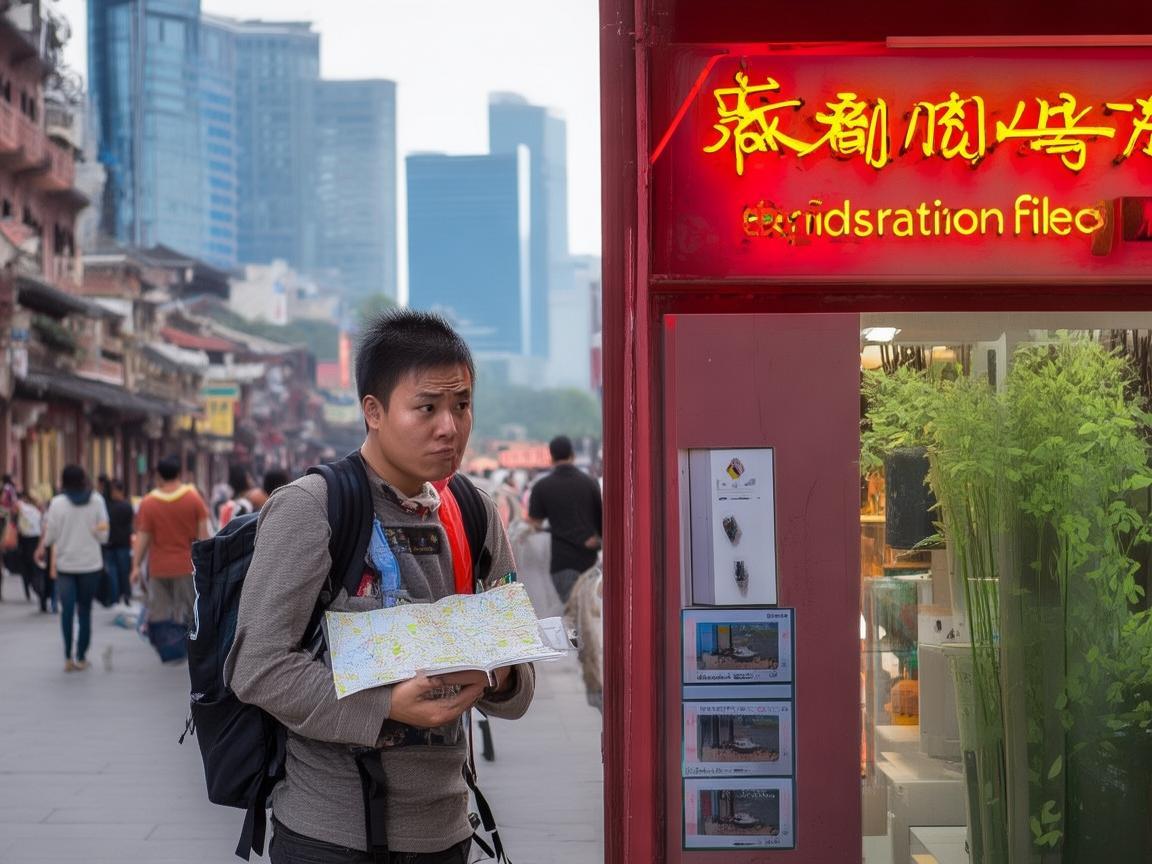
China SIM Registration Failed in Xi’an: A Traveler’s Survival Guide
First, Why Did It Happen? The “Why” Matters
Before diving into fixes, let’s talk about why China SIM registration fails for tourists. China strictly regulates SIM cards to prevent fraud and surveillance, so every foreign SIM must be registered to your passport and visa within 72 hours of arrival. If you skip this step, or if something’s off with your documents, your SIM gets blocked. Common culprits?
- Missing入境章 (Entry Stamp): You must get your passport stamped when you enter China. No stamp? No registration. I’d heard some airports skip this if you’re flying from Hong Kong or Macau, but I’d entered via Beijing Capital Airport—surely I’d been stamped? Wrong. A quick check of my passport: nope. The officer had been in a hurry and forgotten.
- Outdated Passport/Visa Info: If your visa is “L” (tourist) but your passport has a new visa, or if you’re on a business visa but trying to register a tourist SIM, it’ll fail.
- System Glitches: China’s registration system is national, but local telecom offices (China Mobile, China Unicom, China Telecom) sometimes have tech hiccups. I later learned my SIM had been “provisioned” but not “activated” due to a server error at the airport counter.
- Language Barriers: If you try to register at a small, local telecom office with no English staff, miscommunication can lead to incorrect data entry (e.g., mixing up passport number digits).
Step 1: Don’t Panic—Assess the Damage
My first instinct? Frantically Google “China SIM registration failed” in the airport taxi. Bad idea. Most results were in Chinese, or outdated advice about “VPN workarounds” (which don’t fix registration). Instead, I took a breath and listed what I could do:
- Check Your Phone: Is it just one carrier, or all? If your phone has dual SIM slots and only one works, the other might be unregistered. If neither works, it’s a system-wide block.
- Locate Your Nearest Telecom Store: Open your maps app and search for “China Mobile,” “China Unicom,” or “China Telecom.” I chose China Mobile because it has the best coverage in rural areas (I planned a day trip to the Terracotta Army), but Unicom is great for cities, and Telecom has solid 5G.
- Gather Your Documents: This is non-negotiable. You’ll need:
- Passport (original, no photos)
- China visa (stuck in your passport)
- Entry stamp (if you have it—more on this later)
- Temporary accommodation address (hotel name/address is fine; they’ll give you a receipt)
Step 2: Fix It—Go to the Right Telecom Office
I hailed a taxi to the nearest China Mobile branch, a 10-minute ride from my hotel in Beilin District. The office was modern, with English signs and a “Foreign Services” counter—thank goodness. I approached the counter, showed my passport, and said, “My SIM registration failed. Can you help?”
The agent, a young woman named Li, smiled and took my SIM card. She inserted it into her computer, frowned, and said, “Ah, no entry stamp. Your SIM is blocked.” Of course. She explained that without the entry stamp, the system couldn’t link my SIM to my arrival record. “Don’t worry,” she said. “Go to the police station, get a temporary residence permit, then come back.”
Temporary residence permit? I’d heard of this but thought it was only for stays over 30 days. “For tourists, it’s just a paper to prove you entered legally,” Li assured me. She even drew a map to the nearest police station: “It’s in the next block. Tell them you need a ‘临时住宿登记表’ (temporary accommodation registration form). They’ll stamp it.”
Off I went. The police station was chaotic, but the officer at the front desk spoke enough English to understand. He asked for my passport, visa, and hotel booking confirmation, then handed me a form to fill out (in English, thankfully). Five minutes later, he stamped it and said, “Now go back to China Mobile.”
Back at the telecom office, Li scanned the stamped form, re-entered my details, and said, “Try now.” I waited 10 minutes—she said the system needed time to update—and then… service! My phone lit up with 4G, and WeChat popped with notifications. Relief washed over me. Total time wasted: 2 hours. Cost: 0 yuan (the police station didn’t charge, and the SIM registration was free).
Step 3: If It Fails Again—Troubleshooting Tips
What if you do have an entry stamp and still fail? Here are three more scenarios I learned about from other travelers:
Scenario 1: “My Passport Number Was Entered Wrong”
A traveler from Canada I met at the Terracotta Army had this issue. China Mobile’s system had typoed his passport number (he has a “0” where they put an “O”). Fix? Go back to the telecom office with your passport, and they’ll correct it. Pro tip: double-check the agent’s screen as they type—don’t be shy about leaning over to see.
Scenario 2: “I Bought a SIM at the Airport, but It’s Not Working”
This happened to a French traveler. The airport counter had sold him a SIM but “forgotten” to register it. Solution: Go to any telecom branch (airport or city) with your receipt and passport. They’ll re-register it on the spot. Lesson: Never buy a SIM at the airport without watching them register it.
Scenario 3: “I’m on a Tourist Visa, but the System Says ‘Invalid Visa Type’”
Some older SIM cards are linked to “prepaid” plans that don’t support tourist visas. The fix? Buy a new SIM (they’re cheap—¥30-¥50 for a starter kit with ¥50-¥100 credit) and register it with your current visa. The old SIM? Keep it as a backup (some cities have different coverage).
Step 4: Backup Plans—What If You Can’t Register Immediately?
Let’s say you arrive on a Friday evening, and all telecom offices are closed. Or you’re in a small town with no “Foreign Services” counter. Don’t panic—here’s how to survive:
-
Use Hotel WiFi: Most hotels in Xi’an offer free WiFi. Ask the front desk for the password (they’ll write it down if you don’t speak Chinese). Use this to:
- Download offline maps (Google Maps works with WiFi, or use Baidu Maps for better local coverage).
- Translate phrases (Google Translate’s camera feature works offline—great for menus!).
- Contact your embassy (if it’s an emergency).
-
Rent a Portable WiFi Egg: Many airports, hotels, and tourist centers rent “WiFi eggs” (portable hotspots). They cost ¥50-¥80/day and come with unlimited data. I used one for my first day while waiting to register my SIM. Pro tip: Rent from official vendors—scammers at tourist traps overcharge.
-
Use eSIM (If Your Phone Supports It): iPhones (iPhone XS and newer) and some Android phones support eSIM. You can buy an eSIM plan online before you leave (via carriers like Airalo or Holafly) and activate it in China. No physical SIM, no registration hassles. I wish I’d done this—my friend with an iPhone 13 had 4G within minutes of landing.
Step 5: Prevention—How to Avoid the Mess Altogether
After my ordeal, I talked to locals and frequent travelers to compile a pre-arrival checklist. Print this out and stick it in your passport—you’ll thank me later:
✅ Get Your Entry Stamp: Double-check your passport as you leave immigration. If they forget, politely ask: “Excuse me, could you please stamp my passport?” (Point to your passport if needed.)
✅ Buy a SIM After Immigration: Airport SIMs are convenient, but only buy them at the official telecom counters (look for China Mobile/Unicom/Telecom logos). Watch the agent register it before you leave the airport.
✅ Bring a Passport Photo: Some telecom offices require a photo for registration (though most don’t anymore). Better safe than sorry.
✅ Download Offline Apps: Google Maps, Google Translate, and WeChat (for messaging) all work offline. Download them before you leave.
✅ Tell Someone Your Plans: Share your hotel address and itinerary with a friend or family member. If your SIM fails, you can still contact them via hotel WiFi.
Final Thoughts: Xi’an Is Worth the Hassle
Two days after my SIM nightmare, I was standing in front of the Terracotta Army, marveling at the life-sized soldiers. My phone was working, I’d ordered a roujiamo (Xi’an’s famous burger) via WeChat, and I’d even haggled for souvenirs in the Muslim Quarter—all in Mandarin (thanks, Google Translate!). The SIM registration headache was annoying, but it taught me a valuable lesson: prepare, but stay flexible.
China’s telecom rules are strict, but they’re not impossible to navigate. If your SIM fails, don’t let it ruin your trip. Follow the steps above, stay calm, and remember: Xi’an’s history, food, and culture are worth every minor setback. Now go—those terracotta soldiers won’t wait forever.
Safe travels, and bu yao jí (don’t worry)!
Xi’an Airport Transfer Service
Private English-speaking driver service in Xi’an operated directly by Bruce Zhang. 24/7 airport pickup and hotel transfer for foreign travelers.
Helpful for Your Trip in Xi’an
China SIM Verification: A Traveler’s Step-by-Step Guide (From a Xi’an Visitor’s Perspective)
2026-09-08Xi’an Travel Tips: Why China Roaming Data is Non-Negotiable for Foreign Visitors
2026-09-05Traveling Xi’an: A Tourist’s Guide to Navigating China’s SIM Authentication System
2026-09-04Your Ultimate Guide to Network Settings & China SIM Cards for a Seamless Xi’an Trip
2026-08-31Xi’an: Where Ancient History Meets Modern Connectivity – A China Traveler’s Practical Guide
2026-08-30Your Go-To Guide for China SIM Service Centers in Xi’an: Stay Connected Hassle-Free
2026-08-26Surviving Xi’an Without the Slow Lane: A Tourist’s Guide to China SIM Throttling
2026-08-11Xi’an Travel Survival Guide: How a China SIM Card and Call Center Saved My Trip
2026-08-10My Xi’an Survival Guide: Why a China SIM Card is Your Travel Lifeline
2026-08-09Your Ultimate Guide to Staying Connected in Xi’an: China SIM & Network Tips for Travelers
2026-08-08