

Navigating Xi’an: A Traveler’s Guide to Staying Connected with China Signal Access
Landing in Xi’an, I was buzzing with excitement—ancient city walls, terracotta warriors, and steaming roujiamo (Chinese burgers) calling my name. But as I stepped out of Xi’an Xianyang International Airport, my phone screen flashed: “No Service.” Panic hit for a second. How would I navigate, translate, or even call my hotel? If you’re traveling to Xi’an (or anywhere in China), you’ve probably wondered the same: How do I stay connected without relying on flaky international roaming?
After a week of trial, error, and figuring out the local system, I’ve put together this guide to “China signal access”—practical, no-BS tips to keep you online and stress-free. Let’s dive in.
First Things First: Why Your Phone Might Not Work (And How to Fix It)
If you’re coming from abroad, your phone’s default settings will likely struggle in China. Why? China’s mobile networks (run by China Mobile, China Unicom, and China Telecom) operate on different frequencies than those in many Western countries. More importantly, popular apps like Google Maps, WhatsApp, Instagram, and even Gmail are blocked here. Don’t worry—you can still get online; you just need the right tools.
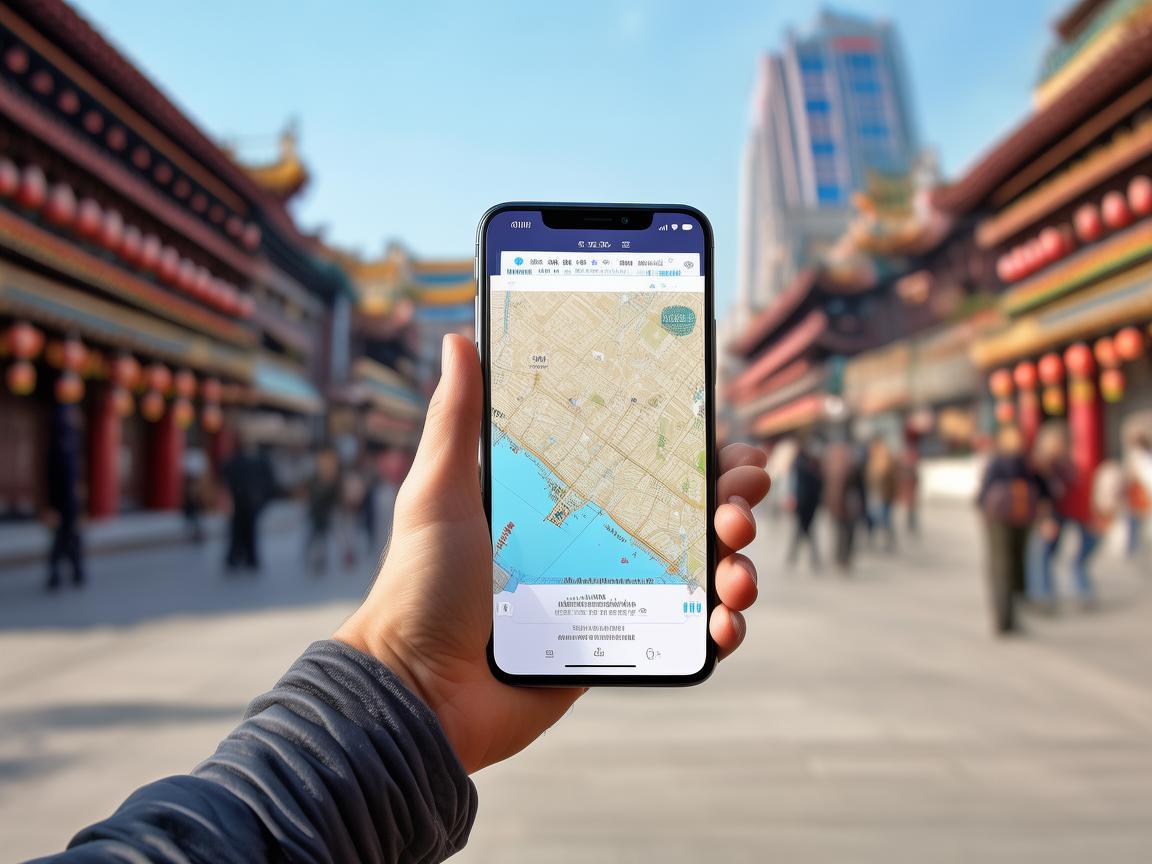
Navigating Xi’an: A Traveler’s Guide to Staying Connected with China Signal Access
Option 1: Buy a Local SIM Card (Best for Most Travelers)
This is the easiest and most affordable way to get reliable data and calls. I did this at the airport right after landing, and it took all of 10 minutes.
Where to Buy:
- Airport Counters: Xi’an Xianyang International Airport has dedicated counters for China Mobile, China Unicom, and China Telecom in the Arrivals Hall. Look for signs with “SIM Card” or “中国移动/中国联通/中国电信.”
- Downtown Stores: If you miss the airport, head to any official carrier store in the city (e.g., China Mobile on Dong Da Street, China Unicom near the Bell Tower).
What You’ll Need:
- Your passport (they’ll register your SIM to your name—required by law).
- Cash or Alipay/WeChat pay (most counters now accept mobile payments).
Recommended Plans:
I went with China Mobile (it has the best coverage in rural areas like the Terracotta Army site). For ¥100 (~$14), I got:
- 20GB of high-speed 4G data (valid for 30 days).
- Unlimited calls within China.
- Free access to WeChat, Douyin (TikTok), and other local apps (no extra data drain).
Pro tip: Ask the staff to activate “international roaming” for calls/texts if you need to contact home—this is usually free or very cheap.
Option 2: eSIM (For Compatible Phones)
If your phone supports eSIM (like iPhone 13 or newer, or Google Pixel 7/8), you can skip the physical SIM card. I didn’t use this, but my friend did—here’s what she said:
- How to Activate: Buy an eSIM plan online before you leave (via carriers like China Unicom or third-party platforms like Airalo). You’ll get a QR code; scan it in your phone’s settings to activate.
- Pros: No need to swap SIMs; instant activation.
- Cons: Fewer options at the airport (better to buy in advance); slightly more expensive than physical SIMs (around ¥120 for 15GB).
Great if you’re tech-savvy and want to avoid hassle, but a physical SIM is more foolproof for first-timers.
Option 3: Rent a Pocket Wi-Fi (For Groups or Heavy Users)
If you’re traveling with family or need a lot of data (e.g., live-streaming), renting a pocket Wi-Fi is a solid choice. These small devices give you 4G Wi-Fi for up to 5 devices.
- Where to Rent: At the airport (look for “Wi-Fi Rental” counters) or via apps like “Tang Mobile.”
- Cost: Around ¥80–120/day, with a deposit (refundable).
- Downsides: You have to carry it around, and battery life can be tricky (bring a power bank!).
I’d only recommend this if you’re a large group—otherwise, a SIM card is simpler.
Option 4: Public Wi-Fi (Free but Unreliable)
Xi’an has plenty of free Wi-Fi—in hotels, malls, metro stations, and even some tourist spots. But I’d rely on this only as a backup.
- How to Connect:
- Metro: Scan the QR code at station entrances to connect to “Xi’an Metro Free Wi-Fi” (valid for 2 hours; re-login if needed).
- Cafes/Restaurants: Most places (like Starbucks or local tea shops) have Wi-Fi—ask staff for the password (often written on a sign).
- Tourist Areas: Near the Bell Tower or Muslim Quarter, you’ll find “Free Xi’an Wi-Fi,” but it’s slow and often cuts out in crowded spots.
Biggest downside: Public Wi-Fi in China requires a phone number to verify (even for “free” networks), and some restrict access to apps like WeChat. Use it for quick checks, not navigation.
Must-Have Apps for Staying Connected (And Surviving in Xi’an)
Once you have data, download these apps before you leave home (you can’t access Google Play or the App Store in China—use a VPN to download them, or ask a friend to send the APK files).
WeChat (微信, Wēixìn)
- Why you need it: It’s China’s “super app.” You can chat, pay for almost everything (from street food to metro rides), call taxis, and even scan QR codes to enter restaurants.
- Pro tip: Link your international credit card to WeChat Pay before you arrive (go to “Me” → “Services” → “Wallet” → “Payment Methods”). Some small vendors only accept WeChat/Alipay.
Amap (高德地图, Gāodé Dìtú)
- Why you need it: Google Maps doesn’t work here. Amap is China’s top navigation app—it shows real-time traffic, bus/metro routes, and even walking paths through hutongs (alleyways).
- Pro tip: Download offline maps for Xi’an (tap “Download” in the app) in case you lose signal in remote areas like the Terracotta Army.
Baidu Translate (百度翻译, Bǎidù Fānyì)
- Why you need it: Google Translate is blocked. Baidu Translate works offline and has a camera feature—point it at a menu sign, and it’ll translate Chinese characters into English (or your language) instantly. Saved me multiple times when ordering food!
Didi (滴滴, Dīdī)
- Why you need it: China’s version of Uber. You can hail taxis or private cars with it (cash is rarely accepted by drivers). Enter your destination in Amap first, then paste the address into Didi.
- Pro tip: Avoid unlicensed “black taxis” at the airport—use Didi for fixed prices and safety.
What to Do If You Lose Signal (It Happens!)
Even with a local SIM, you might hit dead zones—especially in the countryside or underground (like the metro). Here’s how to handle it:
- Underground: Xi’an’s metro has Wi-Fi, but it’s slow. Download offline maps on Amap before you go underground.
- Rural Areas: If you’re visiting places like Mount Huashan (a day trip from Xi’an), buy a China Mobile SIM—they have the best coverage there.
- Emergency: Dial 112 (it works globally in China) or contact your hotel’s front desk (they can help with translation or calls).
My Personal Experience: From “No Service” to Stress-Free Travel
On my first day, I wandered into the Muslim Quarter without data, got lost, and had to ask a vendor for directions (using Baidu Translate’s camera—thank goodness for offline mode!). After getting my China Mobile SIM, everything changed: I could check Amap before turning down a street, pay for a roujiamo with WeChat, and even video-call my family to show them the Bell Tower at night.
The best part? Xi’an’s 4G coverage is surprisingly fast. I streamed Douyin (TikTok) while waiting in line for the Terracotta Army and never had buffering.
Final Tips for Smooth Signal Access
- Bring a Power Bank: Using GPS and streaming drains battery fast—carry a portable charger (you can buy one at the airport for ~¥50).
- Avoid International Roaming: It’s expensive (I saw a bill of $200 from a friend who forgot to turn it off). A local SIM is cheaper and more reliable.
- Be Patient: In crowded areas like the Terracotta Army, signal might slow down—switch to 4G (5G isn’t necessary for most apps).
Xi’an is a city where ancient history meets modern convenience, and staying connected lets you experience it all. With a local SIM and the right apps, you’ll spend less time worrying about “No Service” and more time marveling at the Terracotta Army or savoring a hot bowl of yangrou Paomo (mutton soup).
Safe travels, and enjoy the journey—one connected step at a time!
Xi’an Airport Transfer Service
Private English-speaking driver service in Xi’an operated directly by Bruce Zhang. 24/7 airport pickup and hotel transfer for foreign travelers.
Helpful for Your Trip in Xi’an
Surviving and Thriving in Xi’an: A Traveler’s Guide to China’s Internet Carrier
2026-09-10China SIM Verification: A Traveler’s Step-by-Step Guide (From a Xi’an Visitor’s Perspective)
2026-09-08Xi’an Travel Tips: Why China Roaming Data is Non-Negotiable for Foreign Visitors
2026-09-05Traveling Xi’an: A Tourist’s Guide to Navigating China’s SIM Authentication System
2026-09-04Your Ultimate Guide to Network Settings & China SIM Cards for a Seamless Xi’an Trip
2026-08-31Xi’an: Where Ancient History Meets Modern Connectivity – A China Traveler’s Practical Guide
2026-08-30Your Go-To Guide for China SIM Service Centers in Xi’an: Stay Connected Hassle-Free
2026-08-26Surviving Xi’an Without the Slow Lane: A Tourist’s Guide to China SIM Throttling
2026-08-11Xi’an Travel Survival Guide: How a China SIM Card and Call Center Saved My Trip
2026-08-10My Xi’an Survival Guide: Why a China SIM Card is Your Travel Lifeline
2026-08-09