

Navigating Xi’an Like a Local: How China Mobile Apps Made My Trip Seamless
Landing in Xi’an, I was equal parts excited and overwhelmed. As a first-time visitor to China, I’d heard stories about the language barrier, cashless chaos, and the sheer scale of this ancient capital. But within 24 hours, a handful of China mobile apps transformed my anxiety into ease—turning me from a lost tourist into a confident explorer. If you’re planning a trip to Xi’an, let me break down exactly how these apps became my lifeline, with step-by-step tips so you can skip the guesswork.
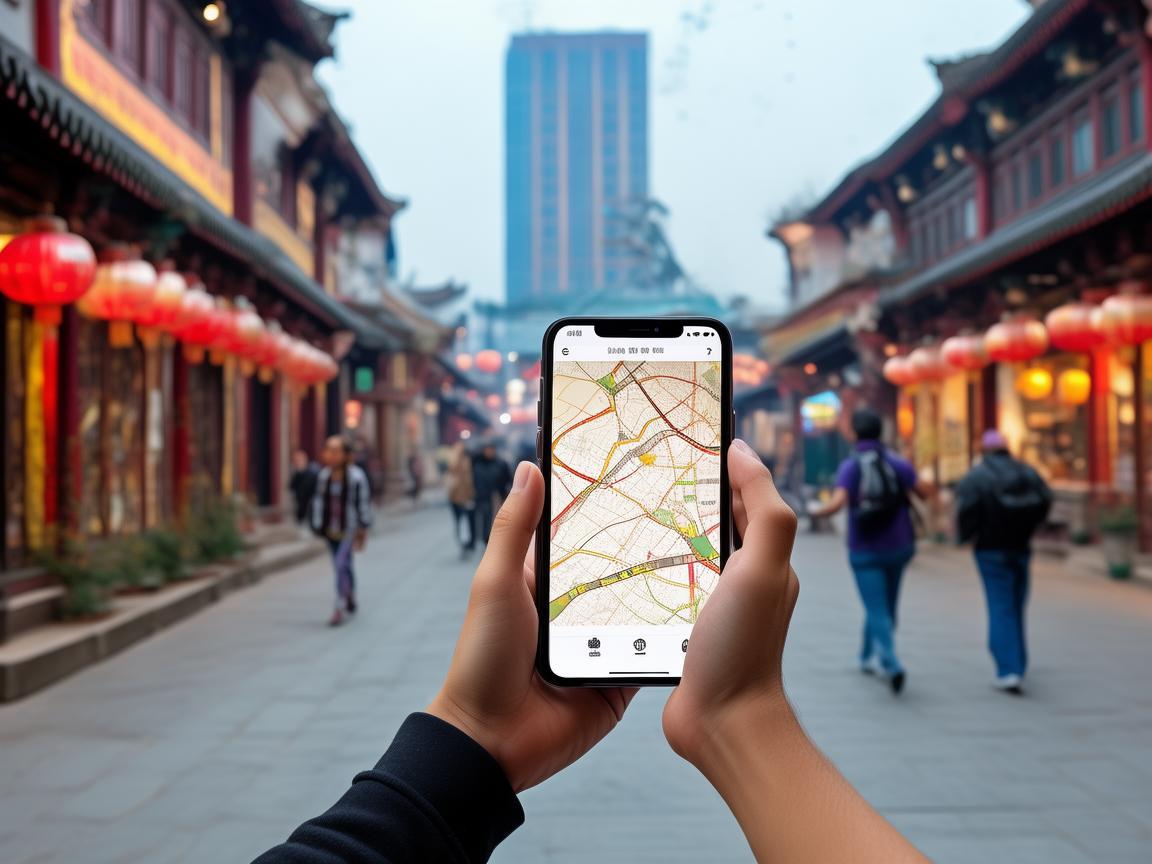
Navigating Xi’an Like a Local: How China Mobile Apps Made My Trip Seamless
First Hurdle: Getting Connected (Without Losing Your Mind)
Before even stepping out of the airport, I faced my first crisis: no Chinese SIM card, no data, and no way to call my hotel. I’d read online that buying a SIM card at the airport was easy, but the process felt chaotic until I spotted a sign for “China Unicom” with a QR code. A staff member handed me a form, and I used WeChat (which I’d pre-downloaded and logged into via airport Wi-Fi) to scan it—no need to write Chinese characters! Within 10 minutes, I had a 30-day data plan for ¥150 (around $20) with 10GB of high-speed data. Pro tip: Download WeChat, Alipay, and Amap before you leave home; log in with your international phone number, and verify it with a SMS code.
Payment Revolution: Why I Never Touched Cash Again
I’d heard China was “cashless,” but I didn’t realize how cashless until my first breakfast. I walked into a tiny noodle shop near the Bell Tower, pointed at a bowl of youmian kaolaolao (cold sesame noodles), and smiled at the owner. She nodded, handed me a bill for ¥15, and then pointed to a small device on the counter with a QR code. I froze—I have no yuan! Just then, she gestured to my phone: “WeChat pay?”
That’s when I remembered: I’d linked my international credit card to WeChat Pay weeks earlier. Here’s how: Open WeChat → “Me” → “Services” → “Wallet” → “Payment Methods” → “Add Bank Card.” Enter your card details, verify with a SMS code from your bank, and done! For Alipay, the process is nearly identical (open Alipay → “My” → “Payment Methods” → “Add Bank Card”).
Within days, I was paying for everything—from ¥5 bus tickets to ¥200 hot pot dinners—with a simple QR code scan. Even street vendors selling bingfeng (ice cream pancakes) and elderly ladies selling roujiamo (Chinese hamburgers) had WeChat or Alipay stickers. Pro tip: Always keep your phone charged; portable power banks are sold everywhere for ¥30–¥50.
Navigation: Never Get Lost (Even in the Alleyways)
Xi’an’s old city is a maze of hutongs, temples, and hidden gems. Without a good map, I’d still be wandering near the Muslim Quarter. Enter Amap (高德地图), China’s answer to Google Maps. It’s not just for directions—here’s why it’s non-negotiable:
- Real-time public transport: Amap shows exactly when the next bus or metro is arriving, including delays. I took Metro Line 2 from the train station to the Big Wild Goose Pagoda, and the app even told me which carriage to board for the nearest exit.
- Offline maps: Download Xi’an’s map in advance (open Amap → “Search” → “Offline Maps” → “Download”). This saved me when I lost signal in the Terracotta Army pits.
- “Walk” mode for alleyways**: When I got lost in the Muslim Quarter, Amap’s voice navigation guided me turn-by-turn—even through narrow streets where Google Maps failed.
Pro tip: For walking, use Amap’s “步行” (walk) mode; it’s more detailed than “驾车” (drive) mode.
Food: Eat Like a Local (Without the Language Barrier)
Xi’an is a food lover’s paradise, but ordering can be intimidating—especially when the menu has no English. Enter Meituan (美团) and Dianping (大众点评), China’s Yelp and OpenTable rolled into one.
On my first night, I wanted to try Paomo (bread soaked in lamb soup), a local specialty. I opened Dianping, searched “泡馍 near Bell Tower,” and scrolled through reviews. One highly rated place had photos of the dish, a 4.8-star rating, and even a “foreigner-friendly” tag. I clicked “Get Directions” (Amap auto-opened), and within 10 minutes, I was slurping soup at a table full of locals.
Meituan is even better for ordering in advance. When I craved liangpi (cold skin noodles) at 2 p.m., I opened Meituan, searched “凉皮,” and found a nearby shop with “delivery to your table” (点餐上桌). I placed the order in 2 minutes—no waiting in line!
Pro tip: Use Dianping’s “翻译” (translate) feature on reviews—auto-translates Chinese comments to English. For restaurants, look for “外国人友好” (foreigner-friendly) or “英文菜单” (English menu).
Transportation: From Taxis to Ride-Hailing
Xi’an’s taxis are cheap (starting at ¥9), but drivers often don’t speak English. Enter Didi (滴滴), China’s Uber. Here’s how it works:
- Open Didi → Choose “Premium” (舒适) or “Express” (快车)—both have English-speaking drivers.
- Enter your destination in English (Amap can copy-paste addresses).
- See the fare upfront—no haggling.
I used Didi to get from the Terracotta Army back to my hotel at 10 p.m. The fare was ¥45, and the driver used Didi’s “voice call” feature to confirm my pickup spot—no language mix-ups. Pro tip: Avoid “Hitch” (顺风车) as a foreigner; it’s for carpooling and may not have English support.
Translating: Beyond “Ni Hao”
My “survival Chinese” was limited to “xièxie” (thank you) and “duōshao qián” (how much). Enter Baidu Translate (百度翻译) and iFlytek (讯飞翻译), which saved me countless times.
At the Terracotta Army, a guide was explaining a 2,000-year-old bronze chariot. I opened iFlytek, pointed my camera at the sign, and it translated the text in real-time: “This chariot has four horses and a bronze umbrella to shield the emperor from the sun.” Later, when I bought a silk painting from a vendor, I used Baidu Translate’s voice feature to ask, “Is this real silk?” She smiled and nodded, then showed me the certificate of authenticity.
Pro tip: Download offline language packs on both apps (no data needed for translation).
Bonus Apps That Made Life Easier
- Weather: China’s weather app (墨迹天气) gives hourly forecasts in English—critical for planning trips to the Terracotta Army (no shade!).
- Hotel Booking: Ctrip (携程) is like Booking.com but with better deals on Chinese hotels. I booked a hutong-style room for ¥200/night, half the price of international sites.
- Emergency: 110 (police) and 120 (ambulance) work in China, but if you need help, use the “SOS” feature on WeChat—automatically shares your location with contacts.
Final Thoughts: Apps Are Your Key to Xi’an
By the end of my trip, I realized China’s mobile apps aren’t just “helpful”—they’re essential. They turned language barriers into conversations, cash chaos into seamless payments, and getting lost into spontaneous adventures. If you’re worried about traveling to Xi’an, don’t be. Download WeChat, Alipay, Amap, Dianping, and Didi before you go, and spend an hour practicing. Within a day, you’ll feel like you’ve lived here forever.
Xi’an isn’t just a city—it’s a story waiting to be explored. And with these apps, you’ll be the one telling the story.
Xi’an Airport Transfer Service
Private English-speaking driver service in Xi’an operated directly by Bruce Zhang. 24/7 airport pickup and hotel transfer for foreign travelers.
Helpful for Your Trip in Xi’an
Surviving and Thriving in Xi’an: A Traveler’s Guide to China’s Internet Carrier
2026-09-10China SIM Verification: A Traveler’s Step-by-Step Guide (From a Xi’an Visitor’s Perspective)
2026-09-08Xi’an Travel Tips: Why China Roaming Data is Non-Negotiable for Foreign Visitors
2026-09-05Traveling Xi’an: A Tourist’s Guide to Navigating China’s SIM Authentication System
2026-09-04Your Ultimate Guide to Network Settings & China SIM Cards for a Seamless Xi’an Trip
2026-08-31Xi’an: Where Ancient History Meets Modern Connectivity – A China Traveler’s Practical Guide
2026-08-30Your Go-To Guide for China SIM Service Centers in Xi’an: Stay Connected Hassle-Free
2026-08-26Surviving Xi’an Without the Slow Lane: A Tourist’s Guide to China SIM Throttling
2026-08-11Xi’an Travel Survival Guide: How a China SIM Card and Call Center Saved My Trip
2026-08-10My Xi’an Survival Guide: Why a China SIM Card is Your Travel Lifeline
2026-08-09