

Traveling Xi’an with a China SIM & Vivo Phone: A Practical Guide for Tourists
Let me tell you—before my first trip to Xi’an, I was a nervous mess. I’d heard it’s a city of wonders: the Terracotta Army, ancient city walls, Muslim Quarter street food… but I also heard horror stories about language barriers, sketchy Wi-Fi, and getting lost in labyrinthine alleyways. Then a friend who’d lived in China handed me a China SIM card and said, “Pair this with your Vivo phone, and you’ll navigate Xi’an like a local.” Spoiler alert: she was so right. If you’re planning a trip to Xi’an and want to skip the stress, let me break down exactly how these two tools made my trip seamless—and how you can use them too.
First Things First: Why a China SIM Card Non-Negotiable
Let’s start with the SIM card. If you’re from outside China, you’ve probably heard about the Great Firewall, which blocks Google, WhatsApp, Instagram, and even Google Maps. Trying to rely on hotel Wi-Fi or public hotspots is a gamble—slow, unreliable, and often nonexistent in places like the Terracotta Army pits or the Muslim Quarter at night.
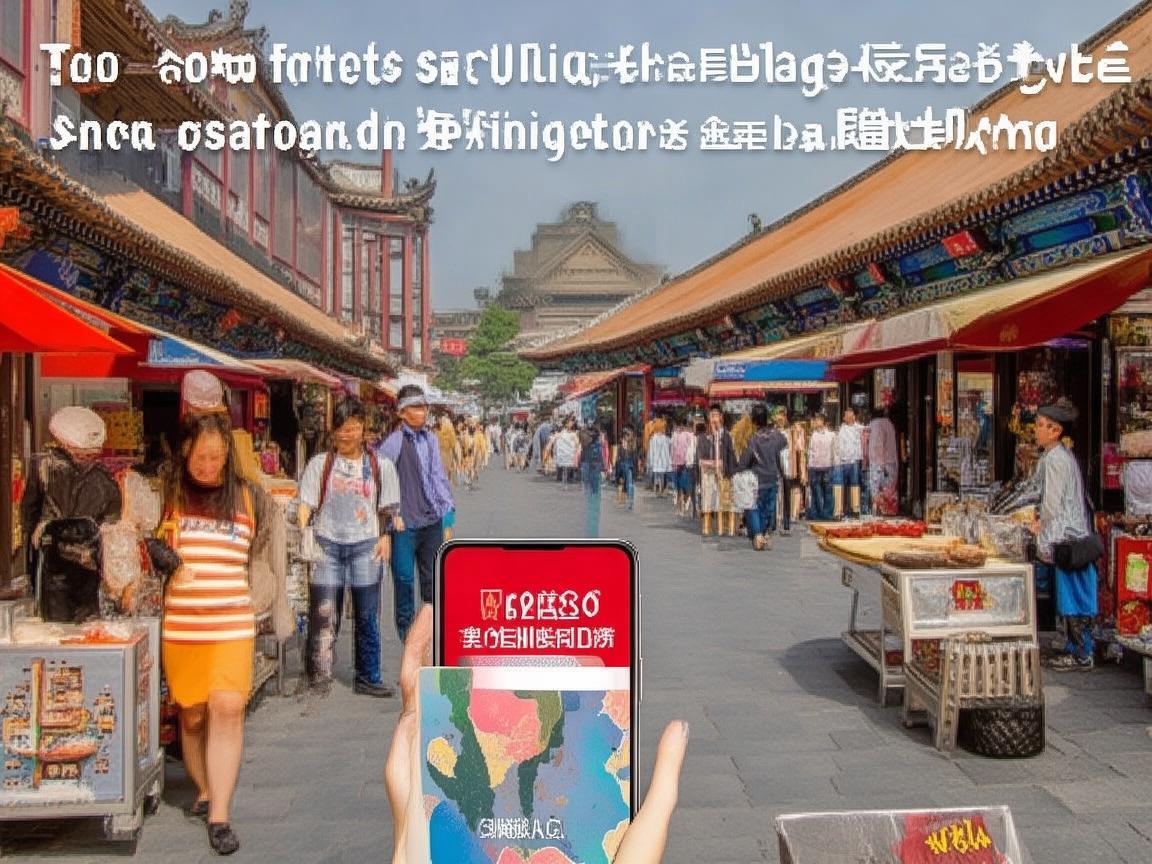
Traveling Xi’an with a China SIM & Vivo Phone: A Practical Guide for Tourists
A China SIM card solves all of that. I bought mine at Xi’an Xianyang International Airport (Terminal 3) right after landing—cost me around ¥150 for a 30-day plan with 20GB of high-speed data (more than enough for maps, social media, and streaming). The process took 10 minutes: I showed my passport, filled out a simple form, and the staff activated it on the spot. No need to pre-order online; just grab it when you land.
Pro tip: If you’re traveling with a group, buy a separate SIM for each person. Sharing data can get slow, and having your own plan means you won’t lose signal when your friend’s hotspot cuts out.
My Vivo Phone: The Ultimate Travel Sidekick
I’ve had a Vivo phone for a couple of years, but I never appreciated it more than in Xi’an. Between its built-in features and the apps I downloaded with my China SIM, it became my map, translator, wallet, and camera—all in one. Here’s how I used it, step by step.
Navigation: Never Get Lost (Even in 1,000-Year-Old Alleyways)
Xi’an’s old city is a maze of narrow streets, hutongs, and hidden courtyards. Without a good map, you’ll end up walking in circles. My Vivo’s default maps app (Gaode Maps, which is like China’s Google Maps) was a lifesaver.
- Real-time transit: I used it to take buses and subways everywhere. For example, to get from the Muslim Quarter to the Terracotta Army, I just typed in the destination, and it told me which bus to take (Bus 5), where to get off (Terracotta Army Station), and even how many seats were left (so I knew if I needed to rush).
- Walking directions: When exploring the Muslim Quarter, I switched to walking mode. It guided me through winding alleys to a famous roujiamo (meat burger) stall that didn’t have a sign in English—just a tiny shop with a line of locals. The app even warned me, “Turn left at the red lantern, then look for the steaming pot.” Perfect.
- Offline maps: For peace of mind, I downloaded offline maps for Xi’an before leaving my hotel. That way, even if I lost signal (rare with my SIM, but it happens), I could still navigate.
Vivo hack: Vivo phones have a “navigation voice” feature that lets you choose different voices—pick the “clear female voice” option; it’s easier to hear over street noise.
Payments: Ditch Cash, Live Like a Local
Xi’an is a cashless city. Even street vendors selling biangbiang noodles for ¥10 will wave you off if you try to pay with bills. My Vivo phone made this a breeze thanks to Alipay and WeChat pay—China’s two dominant payment apps.
- Setting up Alipay/WeChat: Before the trip, I linked my international credit card to Alipay (it’s easier for foreigners than WeChat). Once in Xi’an, I just opened the app, scanned the QR code at a vendor’s stall, and paid in 2 seconds. No need to carry a wallet—just my phone.
- Vivo’s “Wallet” feature: Vivo has a built-in Wallet app that lets you store Alipay and WeChat Pay for quick access. I set it to open with a fingerprint, so paying for a tanghulu (candied hawthorns) or bus fare took 3 seconds flat.
- Splitting bills: Traveling with friends? Vivo’s WeChat Pay lets you split bills instantly. One person pays, then everyone else sends their share via the app—no more awkward “who owes what” conversations.
Pro tip: Keep some small cash (¥10 or ¥20 bills) for emergencies, like tips or tiny shops that don’t take QR codes. But 95% of the time, you won’t need it.
Translation: Talk to Locals (and Eat Like Them)
One of my favorite memories from Xi’an was chatting with an elderly woman making Paomo (bread soaked in lamb soup) in a Muslim Quarter alley. My Chinese is limited to “ni hao” and “xie xie,” but my Vivo’s translation app made the conversation possible.
- Real-time translation: I downloaded “Google Translate” (yes, it works with a China SIM—just not for Google Maps) and used its camera feature. When I pointed my Vivo’s camera at a menu, it translated the dishes into English instantly (“Biangbiang noodles: spicy hand-pulled noodles with chili oil”). When the woman showed me how to tear the bread, I used the voice translation to say, “This looks delicious!” and she laughed and gave me an extra piece.
- Voice chat: For face-to-face chats, I switched to voice mode. My Vivo’s microphone picked up my English clearly, and the app translated it into Mandarin for her, then translated her reply back into English. It wasn’t perfect—sometimes the grammar was a little off—but it was 100% better than pointing and smiling.
- Offline translation: I downloaded the Chinese language pack for Google Translate before leaving my hotel. That way, even without Wi-Fi, I could still translate menus or signs.
Vivo hack: Vivo phones have a “Smart Assistant” that lets you activate translation with a voice command. Just say “Hey Vivo, translate ‘Where’s the nearest subway?’” and it’ll spit out the Chinese phrase.
Photography: Capture Every Moment (Without Running Out of Space)
Xi’an is photogenic. The Terracotta Army’s intricate details, the city wall’s sunset views, the Muslim Quarter’s colorful lanterns—you’ll take hundreds of photos. My Vivo phone’s camera and storage features saved me from deleting precious memories.
- Night mode: The Terracotta Army pits are dimly lit, but Vivo’s “Ultra Night Mode” made the warriors’ faces look sharp and clear. I held my phone steady for 2 seconds, and it merged multiple shots into one stunning photo—no tripod needed.
- Wide-angle shots: For the city wall, I used Vivo’s 120° ultra-wide-angle lens to capture the entire 14km structure (and my friend riding a bike on top). It’s perfect for landscapes or group photos in tight spaces.
- Cloud storage: With my China SIM’s data, I backed up all my photos to Vivo’s cloud every night. That way, I didn’t have to worry about running out of storage—and if my phone got lost or stolen, my memories were safe.
Pro tip: Vivo’s “AI Scene Recognition” automatically adjusts settings for different subjects. When I took a photo of a xiao long bao (soup dumpling), it detected the food and made the colors more vibrant. Genius.
Emergency & Daily Helpers: Your Phone is Your Safety Net
Travel isn’t always perfect—things go wrong. But my Vivo phone and China SIM gave me peace of mind when I needed it most.
- Emergency contacts: I saved the local police (110), ambulance (120), and hotel front desk numbers in my phone’s “Emergency” folder. Vivo also lets you set up a “SOS” feature: if you press the power button 5 times quickly, it sends your location to your contacts and calls for help.
- Finding essentials: When I got a headache in the Muslim Quarter, I used Gaode Maps to find the nearest pharmacy. It showed me which ones were open 24/7 and even let me call ahead to ask if they had aspirin (the staff spoke a little English, but the translation app helped).
- Weather updates: Xi’an’s weather can be unpredictable—one day it’s 30°C and sunny, the next it’s pouring rain. I used the built-in weather app to check the forecast every morning and dressed accordingly.
Final Tips: Making the Most of Your China SIM & Vivo Phone
- Battery life: Xi’an involves a lot of walking, so carry a power bank. Vivo phones have fast charging, so a 30-minute top-up can give you 50% battery.
- Data-saving mode: If you’re running low on data, turn on Vivo’s “Data Saver” mode. It blocks background apps and uses less data for maps and social media.
- Local apps: Download a few local apps before you go—Dianping (like Yelp for restaurants) for finding the best yangrou paomo, and Meituan (food delivery) for ordering late-night snacks to your hotel.
Why This Combo Changed My Trip
By the end of my 5-day trip in Xi’an, I felt like a local—not a tourist. I didn’t get lost once, I ate at hidden gems only locals knew about, and I never worried about being unable to communicate. My China SIM gave me freedom, and my Vivo phone gave me confidence.
If you’re heading to Xi’an, don’t overpack—just pack a good phone, a China SIM, and an open mind. Trust me, this combo will turn a stressful trip into an adventure you’ll never forget. Now go—there’s roujiamo waiting, and the Terracotta Army won’t explore themselves!
Xi’an Airport Transfer Service
Private English-speaking driver service in Xi’an operated directly by Bruce Zhang. 24/7 airport pickup and hotel transfer for foreign travelers.
Helpful for Your Trip in Xi’an
Surviving and Thriving in Xi’an: A Traveler’s Guide to China’s Internet Carrier
2026-09-10China SIM Verification: A Traveler’s Step-by-Step Guide (From a Xi’an Visitor’s Perspective)
2026-09-08Xi’an Travel Tips: Why China Roaming Data is Non-Negotiable for Foreign Visitors
2026-09-05Traveling Xi’an: A Tourist’s Guide to Navigating China’s SIM Authentication System
2026-09-04Your Ultimate Guide to Network Settings & China SIM Cards for a Seamless Xi’an Trip
2026-08-31Xi’an: Where Ancient History Meets Modern Connectivity – A China Traveler’s Practical Guide
2026-08-30Your Go-To Guide for China SIM Service Centers in Xi’an: Stay Connected Hassle-Free
2026-08-26Surviving Xi’an Without the Slow Lane: A Tourist’s Guide to China SIM Throttling
2026-08-11Xi’an Travel Survival Guide: How a China SIM Card and Call Center Saved My Trip
2026-08-10My Xi’an Survival Guide: Why a China SIM Card is Your Travel Lifeline
2026-08-09