

Xi’an Travel Guide: Navigating the City with Mobile Data in China
Before I flew to Xi’an, I’ll admit I was a little nervous about the whole “mobile data in China” thing. I’d heard stories about Google Maps not working, WeChat pay being a must-have, and the struggle to stay connected without a local SIM. But after a week of exploring terracotta warriors, getting lost in Muslim Quarter, and surviving a food coma on roujiamo (Chinese hamburgers), I can say this: getting mobile data sorted was the best decision I made. It turned potential travel headaches into smooth, stress-free adventures. If you’re heading to Xi’an, let me break down exactly how to handle mobile data—no jargon, just practical tips from someone who’s been there.
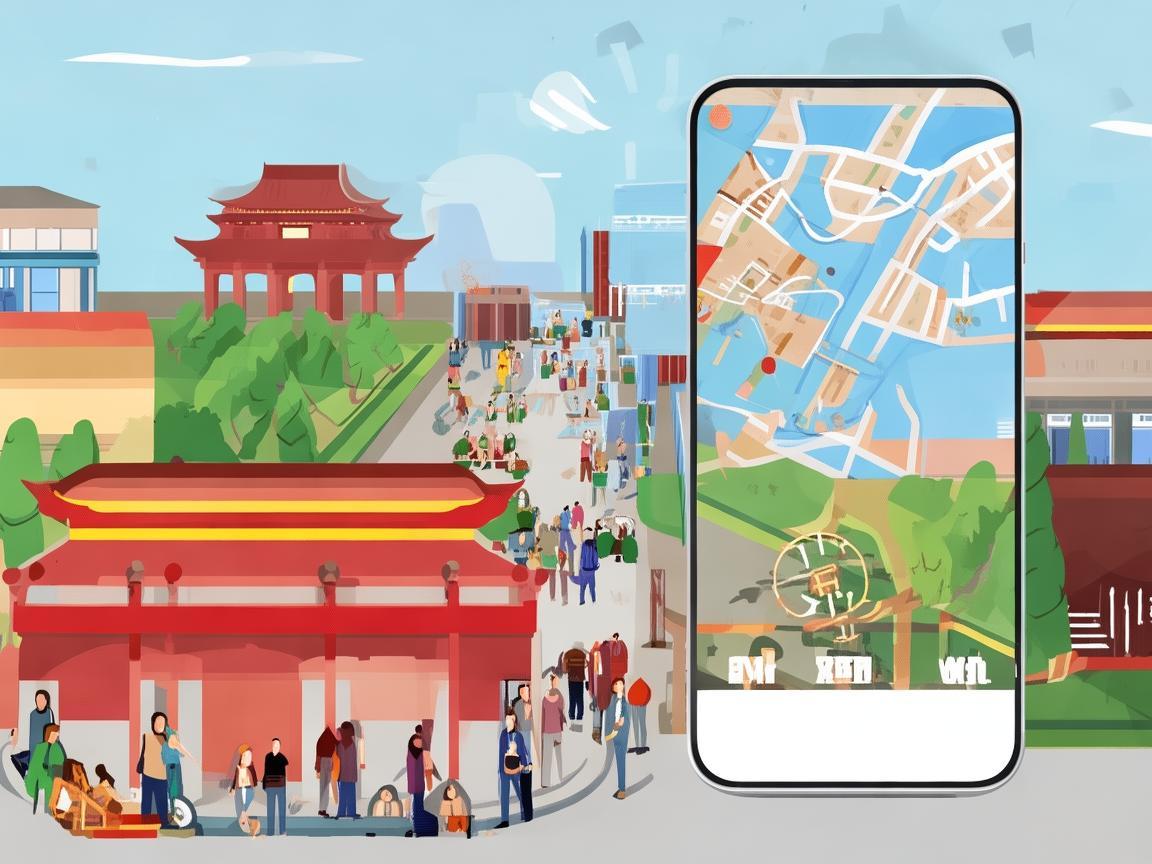
Xi’an Travel Guide: Navigating the City with Mobile Data in China
First Things First: Why Mobile Data is Non-Negotiable in Xi’an
Let’s start with the basics: in China, almost everything runs on local apps, and most of them need internet to work. Forget Google Maps—Baidu Maps or Amap (高德地图) are the go-to for navigation, and they rely on mobile data to give real-time traffic updates, bus routes, and walking directions. Then there’s WeChat: it’s not just a messaging app here. It’s your wallet (WeChat Pay), your restaurant reservation tool, your way to call taxis, and even how you enter some tourist sites (many use QR codes for tickets). Without mobile data, you’re basically stuck in the 2000s.
I learned this the hard way on my first day. I landed, grabbed my bags, and tried to use Google Maps to find my hostel. Nothing. Zero. Zilch. I was standing in a taxi queue, sweating, when a traveler behind me tapped my shoulder: “Hey, you need a local SIM—or mobile data. Google’s blocked here.” That’s when I realized: mobile data isn’t a “nice-to-have.” It’s essential.
Option 1: Buy a Local SIM Card at Xi’an Airport (Easiest for Short Stays)
If you’re like me and want to get connected within an hour of landing, buying a SIM card at Xi’an Xianyang International Airport (XIY) is your best bet. I flew in on a morning flight, and by 10 AM, I had a working SIM with 10GB of data. Here’s how it works:
Which Carrier to Choose?
China has three major carriers: China Mobile (中国移动), China Unicom (中国联通), and China Telecom (中国电信). For travelers, China Mobile is the top pick. It has the widest coverage in Xi’an, especially in tourist areas like the Terracotta Army, Muslim Quarter, and the city center. China Unicom is a close second, but China Mobile’s 5G network is more reliable in rural areas outside the city (if you plan a day trip to Mount Hua, for example).
What to Bring
Just your passport. That’s it. No photos, no paperwork—just your passport.
The Process
As soon as you exit baggage claim, follow the signs for “Communications” or “SIM Cards.” You’ll see counters for all three carriers. Head to the China Mobile counter (it’s usually the busiest, so you can’t miss it). The staff speak basic English, but it helps to have a few phrases written down:
- “Hello, I want a SIM card for tourists.” (你好,我想要一张游客手机卡。)
- “How much data is included?” (这个套餐包含多少流量?)
I asked for the “Tourist Package,” which is designed for short stays. The one I got cost ¥30 (about $4) and included:
- 10GB of high-speed data (valid for 7 days)
- Unlimited domestic calls and texts
- Access to WeChat, Weibo, Douyin (TikTok), and all Chinese apps
They’ll activate it on the spot, help you insert it into your phone, and even set up your APN (the internet settings) if you need. Insert the SIM, restart your phone, and—you’re online!
Pro Tip: Top Up Before You Leave
Tourist SIMs usually don’t auto-renew. If you’re staying longer than 7 days, you can top up online via WeChat (search for “China Mobile+” official account) or at any China Mobile store in the city. I topped up ¥20 for an extra 5GB before my trip ended—super easy.
Option 2: eSIM (For Tech-Savvy Travelers)
If your phone supports eSIM (most newer iPhones and Google Pixels do), this is a great alternative to a physical SIM. No fiddling with tiny cards—just activate it before you leave home.
I used an eSIM from a third-party provider called “Airalo” (they specialize in travel eSIMs). I bought the “China Mobile Tourist eSIM” for $8, which gave me 5GB of data for 15 days. Activation took 2 minutes: I scanned a QR code, and my phone connected automatically.
Pros: No airport hassle; works as soon as you land; can switch plans easily.
Cons: More expensive per GB than physical SIMs; some older phones don’t support eSIM.
If you go this route, double-check that your phone is unlocked (most are these days) and that your carrier supports eSIM in China.
Option 3: Mobile Data Roaming (Last Resort—Avoid If You Can)
Your home carrier might offer a “China roaming” plan, but I’d skip this unless you’re desperate. I checked with my U.S. carrier: $10/day for 1GB of data. That’s $70 for a week—way more than the ¥30 local SIM. Plus, speeds are often slower, and you might still have issues with apps like WeChat Pay.
Only consider this if you’re in a bind (e.g., your SIM card stops working, and you need a quick fix). But for most travelers, a local SIM or eSIM is way cheaper and more reliable.
Using Mobile Data: What Works, What Doesn’t, and How to Fix It
Once you’re connected, here’s what to expect—and how to avoid common pitfalls.
Google, Instagram, and WhatsApp: Use a VPN
Yes, Google, Facebook, Instagram, WhatsApp, and Twitter are blocked in China. But don’t panic—you can still use them with a VPN (Virtual Private Network). A VPN routes your connection through a server outside China, making it look like you’re browsing from another country.
Which VPN to Choose?
I used NordVPN (it’s reliable and has servers in Hong Kong, Japan, and the U.S.). You can download it before you leave home (since Google Play is blocked in China, you can’t download it there once you arrive). Activate it when you need to use apps like Google Maps or Instagram—just remember to turn it off when using Chinese apps (WeChat, Baidu Maps) to save battery.
Pro Tip: Download VPNs in Advance
Don’t wait until you’re in Xi’an to download a VPN. Do it at home, while you’re on Wi-Fi. Once you’re in China, you can’t access Google Play or the App Store to download new apps.
WeChat Pay: How to Set It Up (It’s Easier Than You Think)
WeChat Pay is everywhere in Xi’an—from street vendors to big supermarkets. Even if you plan to use cash, you’ll want WeChat Pay for convenience. Here’s how to set it up with your international card:
- Open WeChat and go to “Me” > “Services” > “Wallet.”
- Tap “Add Bank Card” and enter your international credit/debit card details (Visa, Mastercard, etc.).
- Verify your card with a one-time password (OTP) from your bank.
You’ll need mobile data to complete this process (since it requires internet to verify the card). Once it’s set up, you can pay by scanning QR codes—just open WeChat, tap the “+” button, and select “QR Code.” The vendor will scan it, and you’re done!
Note: Some vendors prefer Alipay (another Chinese payment app), but WeChat Pay is more widely accepted by small businesses. I used it to buy bubble tea, pay for a taxi, and even buy entrance tickets to the Big Wild Goose Pagoda—no cash needed.
Navigation: Baidu Maps vs. Amap
Google Maps is useless here, but Baidu Maps (百度地图) and Amap (高德地图) are fantastic. Both have English interfaces and real-time traffic updates. I preferred Amap because it’s more user-friendly for tourists—you can search for “Muslim Quarter” and it’ll give you walking directions, bus options, and even nearby restaurants.
Pro Tip: Download Offline Maps
Even with mobile data, some areas (like the Terracotta Army, which is outside the city center) might have spotty coverage. Before you leave your hotel, open Amap, search for your destination, and tap the “Download” icon to save the map offline. That way, you can navigate even without data.
My Top 5 “Mobile Data Saves” in Xi’an
-
Getting Lost in Muslim Quarter
I was wandering through the narrow lanes of Muslim Quarter, admiring the street food, and suddenly realized I had no idea how to get back to my hostel. I pulled out Amap (using mobile data), and it guided me back in 5 minutes. Without data, I’d still be there. -
Ordering Food on Douyin
One night, I wanted to try Xi’an’s famous yangrou Paomo (mutton soup), but the restaurant I wanted was fully booked. I opened Douyin (China’s version of TikTok), searched for the restaurant, and found a link to their WeChat Mini Program (a tiny app within WeChat). I booked a table using mobile data—easy! -
Calling a Taxi During Rush Hour
Trying to hail a taxi at 5 PM in the city center is impossible. I used Didi (China’s Uber, which you need mobile data to use) to book a ride. The driver picked me up in 10 minutes, and the fare was automatically paid via WeChat Pay. -
Translating a Menu
At a local noodle shop, the menu was all in Chinese. I opened the “Youdao Dictionary” app (which uses mobile data to translate photos), pointed my camera at the menu, and it instantly told me that “油泼面” was “oil-splashed noodles” (delicious, by the way). -
Finding a Public Toilet
Public toilets in Xi’an are everywhere, but they’re not always easy to spot. I opened Baidu Maps, searched for “公共厕所” (public toilet), and it showed me the nearest one—complete with walking directions.
Final Tips: Don’t Leave Home Without These
- Download Key Apps Before You Leave: WeChat, Amap, Didi, Douyin, and a VPN. Do this on Wi-Fi to save data.
- Bring a Portable Charger: Mobile data drains your battery fast, especially if you’re using navigation and apps all day. I carried a 10,000mAh power bank—lifesaver.
- Learn a Few Phrases: Even though many young people speak English, basic Chinese phrases go a long way. “Xièxiè” (thank you), “Duōshao qián?” (how much?), and “Nǐ hǎo” (hello) will make locals smile.
Wrapping Up
Xi’an is an incredible city—ancient history, amazing food, and friendly people. But to enjoy it to the fullest, you need mobile data. Whether you choose a local SIM, eSIM, or (in a pinch) roaming, getting connected will save you time, stress, and maybe even a few arguments with taxi drivers.
I left Xi’an feeling like I’d really experienced the city—not just as a tourist, but as someone who could navigate it, talk to locals, and eat where they eat. And it all started with that little SIM card at the airport. So, before you go, sort out your mobile data. Trust me—you’ll thank me later.
Now go eat some roujiamo, take a photo with the terracotta warriors, and get lost (in a good way) in Xi’an. With mobile data, you’re ready for anything.
Xi’an Airport Transfer Service
Private English-speaking driver service in Xi’an operated directly by Bruce Zhang. 24/7 airport pickup and hotel transfer for foreign travelers.
Helpful for Your Trip in Xi’an
Surviving and Thriving in Xi’an: A Traveler’s Guide to China’s Internet Carrier
2026-09-10China SIM Verification: A Traveler’s Step-by-Step Guide (From a Xi’an Visitor’s Perspective)
2026-09-08Xi’an Travel Tips: Why China Roaming Data is Non-Negotiable for Foreign Visitors
2026-09-05Traveling Xi’an: A Tourist’s Guide to Navigating China’s SIM Authentication System
2026-09-04Your Ultimate Guide to Network Settings & China SIM Cards for a Seamless Xi’an Trip
2026-08-31Xi’an: Where Ancient History Meets Modern Connectivity – A China Traveler’s Practical Guide
2026-08-30Your Go-To Guide for China SIM Service Centers in Xi’an: Stay Connected Hassle-Free
2026-08-26Surviving Xi’an Without the Slow Lane: A Tourist’s Guide to China SIM Throttling
2026-08-11Xi’an Travel Survival Guide: How a China SIM Card and Call Center Saved My Trip
2026-08-10My Xi’an Survival Guide: Why a China SIM Card is Your Travel Lifeline
2026-08-09