

Xi’an Travel Tips: Staying Connected with China SIM & Offline Maps
Landing in Xi’an felt like stepping into a living history book—the ancient city walls, the Terracotta Army, the bustling Muslim Quarter… but as I stepped out of Xi’an Xianyang International Airport, one thought hit me: “How am I going to navigate this without getting totally lost?” Back home, I’d rely on Google Maps and WhatsApp, but here? I’d heard China’s internet restrictions meant those apps wouldn’t work. Cue a quick panic, followed by a crash course in staying connected as a tourist. By the end of my trip, I’d figured out the ultimate combo: a local China SIM card and offline travel apps. Let me break down exactly how to use them—no tech jargon, just straight-up tips that saved my trip (and my sanity).
First Things First: Why You Need a China SIM Card
Before I even got my SIM, I made one mistake: trying to use my home country’s international roaming. Big mistake. Within an hour, I’d burned through $20 in data charges, and my phone still couldn’t access Google Maps or Instagram. A local SIM, I learned, is non-negotiable for two reasons: speed and cost.
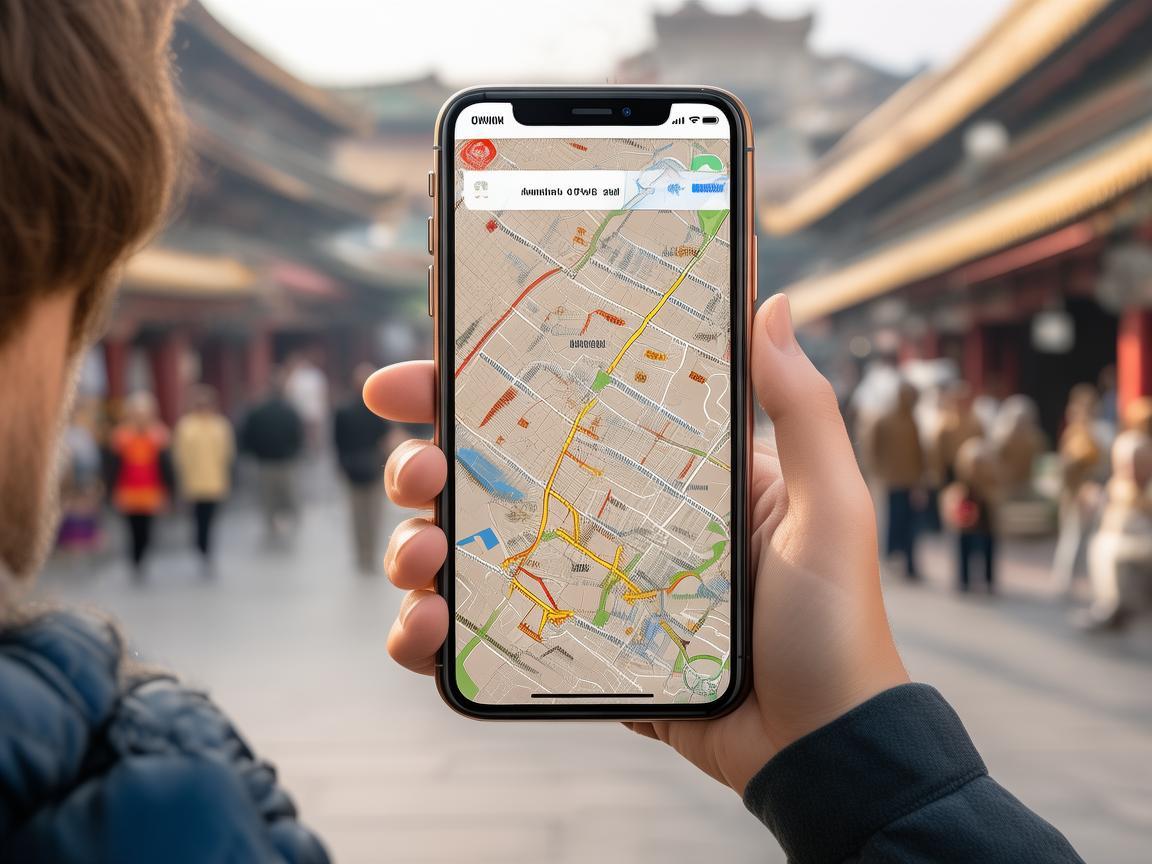
Xi’an Travel Tips: Staying Connected with China SIM & Offline Maps
China’s three main carriers—China Mobile, China Unicom, and China Telecom—all offer tourist-friendly SIMs. I went with China Mobile because it has the widest coverage, especially outside Xi’an (useful if you plan day trips to places like the Terracotta Army or Mount Hua). For around ¥30–¥50 (about $4–$7), you can get a SIM with 10–20GB of high-speed data, valid for 7–30 days. That’s way cheaper than international roaming, and it’s fast enough to stream music (if you preload it!) and use maps on the go.
Where to buy one? Xi’an Xianyang International Airport is your best bet. There are dedicated counters in the arrivals hall (look for signs saying “SIM Card” or “Mobile Services”). The staff speak basic English, and they’ll help you activate it on the spot—all you need is your passport. Don’t wait until you’re in the city; airport SIMs are convenient, and you’ll want data the moment you leave the airport.
The Game-Changer: Offline Travel Systems
Here’s the second piece of the puzzle: offline maps and apps. Even with a local SIM, some areas in Xi’an (like the underground tunnels near the Bell Tower or remote sections of the city wall) have spotty 4G. That’s where offline apps come in—they work without Wi-Fi or mobile data, so you’ll never get stranded.
Offline Maps: Baidu Maps vs. Gaode Maps
In China, Google Maps is a no-go. Instead, locals use Baidu Maps (百度地图) or Gaode Maps (高德地图). I downloaded both before my trip—Baidu for its accuracy with public transport, Gaode for its detailed walking routes. Here’s how to set them up offline:
- For Baidu Maps: Open the app → Tap the “Layers” icon (the square with lines) → Select “Offline Maps” → Search for “Xi’an” and download the full city map. Pro tip: Also download the “Metro Map” for Xi’an’s subway system—it’s color-coded and includes station exits, which is lifesaver when you’re carrying luggage!
- For Gaode Maps: Similar process: Open the app → Go to “Me” → “Offline Maps” → Download “Xi’an City.” Gaode’s “Walking Navigation” is fantastic for exploring the Muslim Quarter—it even shows real-time crowd levels, so you can avoid the busiest streets.
I used these every day. For example, when I was near the Giant Wild Goose Pagoda, my phone lost signal, but Gaode’s offline map still guided me to the nearest bus stop and told me exactly which bus to take to the city wall. No guessing, no stress.
Offline Translation: YouChat and iFlytek
Language barrier? Not with offline translation apps. YouChat (有道词典) and iFlytek (讯飞翻译) are must-haves. You can download offline language packs (Chinese → English) before your trip, so you can translate signs, menus, or even conversations without Wi-Fi.
I remember standing in a tiny noodle shop in the Muslim Quarter, staring at a menu covered in characters. I opened YouChat’s camera feature, pointed it at the menu, and—boom—English translations popped up: “Biangbiang Noodles (¥15), handmade, spicy.” I ordered like a pro. For longer chats, iFlytek’s voice translation works even offline; just speak into your phone, and it’ll translate in real time.
Payment: WeChat pay & Alipay (Offline Mode)
One thing I didn’t expect? Xi’an is cashless. Even street vendors selling tanghulu (candied hawthorns) use WeChat Pay or Alipay. But how do you pay without internet? Easy: activate offline mode.
- WeChat Pay: Open WeChat → Go to “Me” → “Services” → “Wallet” → Tap the “+” icon → “Payment Code” → Swipe down to “Offline Payment” and enable it. This lets you pay with a preloaded QR code even if you have no signal.
- Alipay: Similar steps: Open Alipay → “My” → “Payment Codes” → Enable “Offline Payment.”
Pro tip: Top up your WeChat/Alipay accounts with a little cash (¥100–¥200) before you leave the city. I did this at a Bank of China branch—they can help link your foreign card to these apps (you’ll need your passport). Once, my friend and I got stuck in a taxi with no signal, but the driver accepted WeChat Pay offline. Crisis averted!
Bonus Tips: Making the Most of Your SIM & Offline Setup
- Battery Saver: Using offline maps drains your phone battery fast. Carry a portable charger (power bank)—I got a 10,000mAh one for ¥80, and it lasted 3 days of heavy use.
- Update Everything: Before you leave home, update all your apps (Baidu, Gaode, YouChat) to the latest versions. This ensures the offline maps are accurate.
- Emergency Numbers: Save these in your phone (they work offline): Police (110), Ambulance (120), Tourist Hotline (12301).
Final Thoughts: Travel Like a Local
By the end of my trip, I felt like a Xi’an local. With my China Mobile SIM and offline apps, I navigated the ancient streets, hiked the city wall, and even bargained at a night market—all without worrying about Wi-Fi. The best part? I could focus on what mattered: biting into a juicy roujiamo (Chinese hamburger) while watching the sunset over the Bell Tower.
So, if you’re heading to Xi’an, skip the stress. Grab a local SIM, download those offline maps, and get ready to explore. Trust me—this combo is the secret to a smooth, unforgettable adventure. Now go eat some liangpi (cold skin noodles) for me!
Xi’an Airport Transfer Service
Private English-speaking driver service in Xi’an operated directly by Bruce Zhang. 24/7 airport pickup and hotel transfer for foreign travelers.
Helpful for Your Trip in Xi’an
Surviving and Thriving in Xi’an: A Traveler’s Guide to China’s Internet Carrier
2026-09-10China SIM Verification: A Traveler’s Step-by-Step Guide (From a Xi’an Visitor’s Perspective)
2026-09-08Xi’an Travel Tips: Why China Roaming Data is Non-Negotiable for Foreign Visitors
2026-09-05Traveling Xi’an: A Tourist’s Guide to Navigating China’s SIM Authentication System
2026-09-04Your Ultimate Guide to Network Settings & China SIM Cards for a Seamless Xi’an Trip
2026-08-31Xi’an: Where Ancient History Meets Modern Connectivity – A China Traveler’s Practical Guide
2026-08-30Your Go-To Guide for China SIM Service Centers in Xi’an: Stay Connected Hassle-Free
2026-08-26Surviving Xi’an Without the Slow Lane: A Tourist’s Guide to China SIM Throttling
2026-08-11Xi’an Travel Survival Guide: How a China SIM Card and Call Center Saved My Trip
2026-08-10My Xi’an Survival Guide: Why a China SIM Card is Your Travel Lifeline
2026-08-09