

Xi’an on a Budget (and a Spotty Network): A Traveler’s Guide to Surviving Network Error in China
Let me start with this: I love Xi’an. The Terracotta Army is jaw-dropping, the Muslim Quarter’s street food is chef’s kiss, and walking the city walls at sunset feels like stepping back in time. But my first 48 hours here? Absolute chaos. Why? Because I forgot one tiny, critical detail: China’s internet is a whole different universe. If your phone’s been stuck on “No Internet Connection” more times than you can count, or you’ve stared at a “Network Error” screen while trying to pay for a jianbing (savory crepe), this one’s for you. Here’s how I went from panicking in a taxi to navigating Xi’an like a pro—all with a spotty network.
First Things First: Why Your Phone Won’t Work (And What to Do About It)
Before I even landed, I’d heard about the “Great Firewall.” But “network error” felt abstract until I tried to open Google Maps in my Xi’an hotel and got a big, blank screen. No directions, no “near me” search—just… nothing. My social media? Gone. Even my bank’s app wouldn’t load because it uses foreign servers.
The Fix: Get a Chinese SIM Card. ASAP.
This is non-negotiable. Forget using your home country’s data—it’s either stupidly expensive or just won’t work. Here’s the step-by-step:
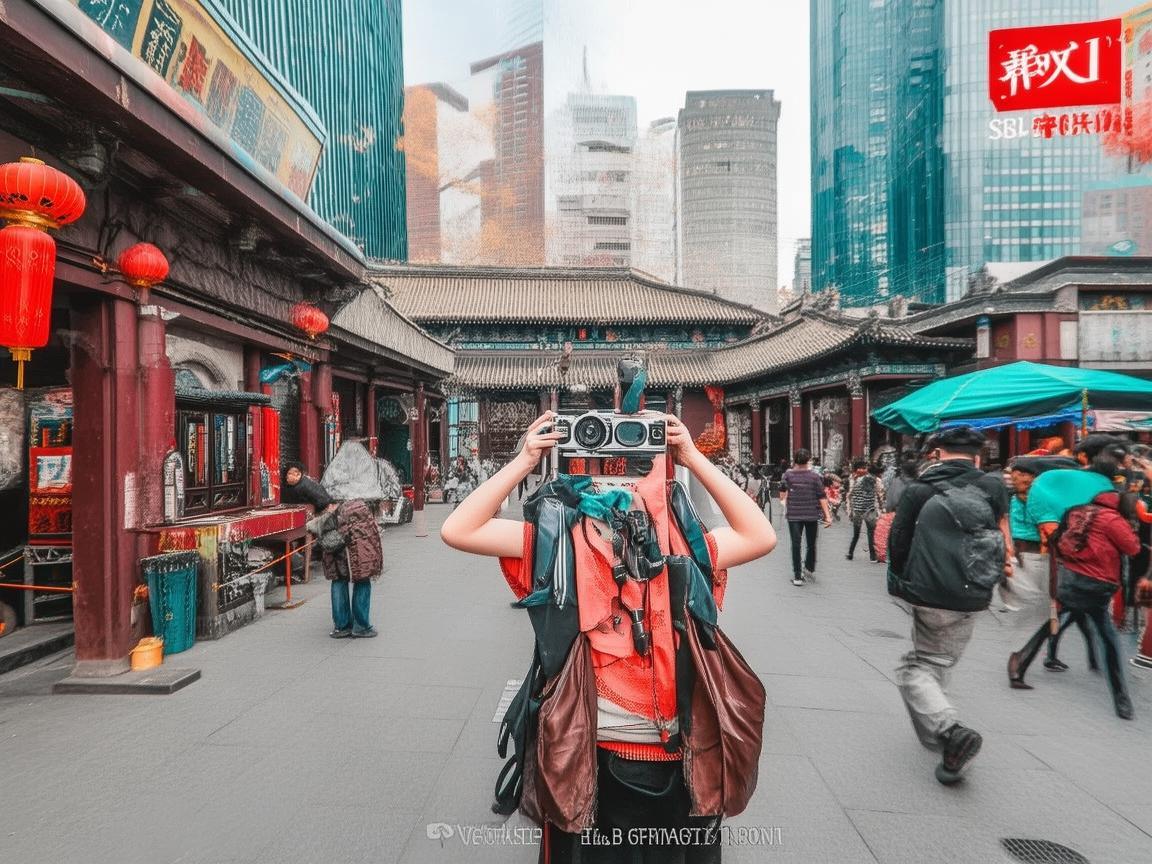
Xi’an on a Budget (and a Spotty Network): A Traveler’s Guide to Surviving Network Error in China
- Where to Buy: The easiest spot is Xi’an Xianyang International Airport (XIY). As soon as you clear customs, look for the China Mobile, China Unicom, or China Telecom counters. They have English-speaking staff, and you don’t need a Chinese ID (just your passport).
- Which Carrier? I chose China Mobile because it has the best coverage in Xi’an, especially in tourist spots like the Terracotta Army or the Muslim Quarter. China Unicom is good too, but China Telecom’s signal can be spotty in rural areas.
- What Plan to Get: Ask for a “tourist SIM” (they’ll know the term). For around 100-150 RMB ($15-$22), you’ll get 30-50GB of high-speed data, valid for 7-30 days. I grabbed the 30GB/30-day plan for 120 RMB, and it lasted my entire 10-day trip.
- Activation: The staff will help you insert the SIM and activate it. Don’t forget to ask for their WeChat (China’s super-app) or phone number in case you need help later.
Pro Tip: If you’re arriving late and the airport counters are closed, head to a major China Mobile store downtown (there’s one near the Bell Tower). They’re open late, and the process is just as smooth.
When “Network Error” Strikes: Offline Apps Are Your New Best Friend
Even with a Chinese SIM, you’ll still hit “network error” sometimes—especially in crowded areas (like the Muslim Quarter at dinner) or underground (subway tunnels). Trust me, I tried to order food on Meituan (China’s Uber Eats) and got “network error” three times before giving up and pointing at a menu.
Solution: Download Everything Offline.
Before you leave home, or as soon as you get Wi-Fi (your hotel will have it), download these apps:
-
Maps: Amap (高德地图)
This is China’s Google Maps, and it’s way better for navigating here. It has bus/metro routes, real-time traffic, and even shows you which entrance of a tourist site is closest. Download the “Xi’an City” offline map so you can search for “Terracotta Army” or “Muslim Quarter” without internet. -
Translation: Pleco or iFlyer
Google Translate works sometimes, but Pleco is a lifesaver for Chinese characters. You can use it to scan a menu (just point your camera at the characters, and it translates to English) or type in questions like “How much is this?” (这个多少钱?). Download the offline Chinese-English dictionary so you’re not stuck waiting for Wi-Fi. -
Payment: Alipay (支付宝) and WeChat pay (微信支付)
Almost no one in Xi’an takes cash. Seriously. I tried to pay for a roujiamo (Chinese hamburger) with cash, and the vendor just waved me to a QR code. But here’s the catch: you need internet to use Alipay/WeChat… unless you set up “offline payments.”- How to do it: Open Alipay > Me > Payment Settings > Offline Payment > Enable. Link a credit/debit card (not just your bank account) to make it work. For WeChat, open WeChat > Me > Payment > Wallet > Offline Payment > Enable. I tested this at a convenience store, and it worked even with no signal—just scan the QR code, and it’ll deduct from your balance later.
- Backup: Keep a little cash (100-200 RMB) for emergencies, like small street vendors who don’t take QR codes.
Navigating Xi’an Without Constant Internet: My Top Tips
Once you’ve got a SIM card and offline apps, Xi’an is way easier. But here’s what I learned the hard way:
Tourist Sites: Download Audio Guides Before You Go
The Terracotta Army and Shaanxi History Museum have excellent English audio guides, but you need to download them ahead of time. For the Terracotta Army, the official app (search “Terracotta Army Official” on the App Store) has a free offline audio guide. For the Shaanxi History Museum, you can rent a device on-site, but it’s 30 RMB—better to use their WeChat mini-program (if you can load it offline).
My Mistake: I tried to use the museum’s Wi-Fi to download the guide, but it was too slow (100 people trying to connect at once). I ended up wandering around, squinting at tiny Chinese labels—don’t be me.
Getting Around: Metro Over Taxis (When Possible)
Xi’an’s metro is clean, cheap (2-7 RMB per ride), and way more reliable than taxis for avoiding traffic. Plus, metro stations have great Wi-Fi (you need to register with your phone number, but your Chinese SIM will work).
Taxis: They’re fine, but drivers often don’t speak English. Use Amap’s offline map to show the driver your destination (just type in the name, and it’ll give you the Chinese characters). I once told a driver “Muslim Quarter” in English—he looked confused. I opened Amap, showed him the Chinese name (回民街), and he nodded immediately.
Food: Use Pictures to Order
The Muslim Quarter is a food paradise, but most menus are in Chinese. Don’t stress—just point. I saw a group of tourists arguing with a vendor over a menu, so I walked up, took a picture of the jianbing stall’s menu, and showed it to the vendor. She nodded, made me a perfect jianbing with egg, youtiao (fried dough), and cilantro. Pro tip: Learn a few food words: “la” (spicy), “bu la” (not spicy), “duō fàng” (add more).
Staying Connected: WeChat = Lifeline
WeChat is China’s everything app—messaging, payments, maps, even finding public restrooms. If you lose your friend in the Muslim Quarter, don’t call (they won’t pick up—WeChat is faster). Send a voice message or use “People Nearby” (you need Wi-Fi for this, but your hotel’s Wi-Fi will work).
Bonus: Add your hotel’s WeChat before you go. If you get lost, send them your location via Amap, and they’ll guide you back. I did this when I took a wrong turn near the Bell Tower—my hotel sent me a 10-second voice message saying, “Turn left at the red lantern, walk straight for 2 minutes—you’ll see our sign!”
When All Else Fails: Ask a Local (They’re Friendlier Than You Think)
One night, my SIM card stopped working (I think I dropped it in the toilet—oops). I was stranded near the city walls, no data, no cash, and my hotel’s address in Chinese. I started panicking, but then I saw a group of college students. I showed them my hotel’s name in Chinese, and one of them immediately opened her Alipay (she had offline payments enabled!), pulled up a map, and walked me to my hotel. She even refused my offer to pay for her bubble tea—just smiled and said, “Welcome to Xi’an!”
That’s the thing about Xi’an: people are so helpful. Yes, you’ll get “network error” screens. Yes, you’ll struggle with menus. But if you’re polite and prepared, locals will go out of their way to help.
Final Checklist: Before You Go to Xi’an
- [ ] Buy a Chinese SIM card (China Mobile, 30GB/30 days, ~120 RMB).
- [ ] Download Amap (offline Xi’an map), Pleco (offline dictionary), and Alipay/WeChat (enable offline payments).
- [ ] Save your hotel’s name and address in Chinese (ask them to send it to you via email).
- [ ] Learn a few phrases: “Nǐ hǎo” (hello), “Xièxie” (thank you), “Duōshao qián?” (how much?).
- [ ] Bring a portable power bank—you’ll be using your phone nonstop for maps and photos.
Xi’an is a city of emperors, warriors, and jianbing masters. Don’t let a “network error” ruin the magic. With a little prep, you’ll spend less time staring at your phone and more time eating street food, marveling at the Terracotta Army, and getting lost in the city’s ancient streets. Now go—your roujiamo is waiting. 🥟
Xi’an Airport Transfer Service
Private English-speaking driver service in Xi’an operated directly by Bruce Zhang. 24/7 airport pickup and hotel transfer for foreign travelers.
Helpful for Your Trip in Xi’an
Surviving Xi’an Without the Slow Lane: A Tourist’s Guide to China SIM Throttling
2026-08-11Xi’an Travel Survival Guide: How a China SIM Card and Call Center Saved My Trip
2026-08-10My Xi’an Survival Guide: Why a China SIM Card is Your Travel Lifeline
2026-08-09Your Ultimate Guide to Staying Connected in Xi’an: China SIM & Network Tips for Travelers
2026-08-08China SIM in Xi’an: A Traveler’s Honest Guide to Staying Connected
2026-08-08Xi’an on 5G: How a Local SIM Made My Trip Seamless
2026-08-08Oops, My China SIM Went Dead! A Traveler’s Guide to Fixing It in Xi’an
2026-08-06Navigating Xi’an with Ease: My China Unicom App Survival Guide
2026-08-06Navigating Xi’an: A Tourist’s Guide to Staying Connected with China Mobile
2026-08-06Navigating Xi’an with China’s Carrier Network: A Traveler’s Practical Guide
2026-08-04