

Your Essential China Payment App Tutorial: A Traveler’s Guide to Navigating Xi’an Like a Local
I’ll never forget my first day in Xi’an. I’d just landed, grabbed my luggage, and hailed a taxi to the city center. The driver, a friendly guy with a thick accent, pointed to a QR code on the dashboard and said, “WeChat or Alipay, cash no accepted.” Panic hit—I’d exchanged some yuan at the airport, but not nearly enough. I fumbled for bills, but he just shook his head, gesturing to my phone. That’s when I realized: in Xi’an, and most of China, cash is almost optional. Mobile payments are king. If you’re traveling here, learning a Chinese payment app isn’t just helpful—it’s essential. Let me break it down step by step, like I wish someone had done for me.
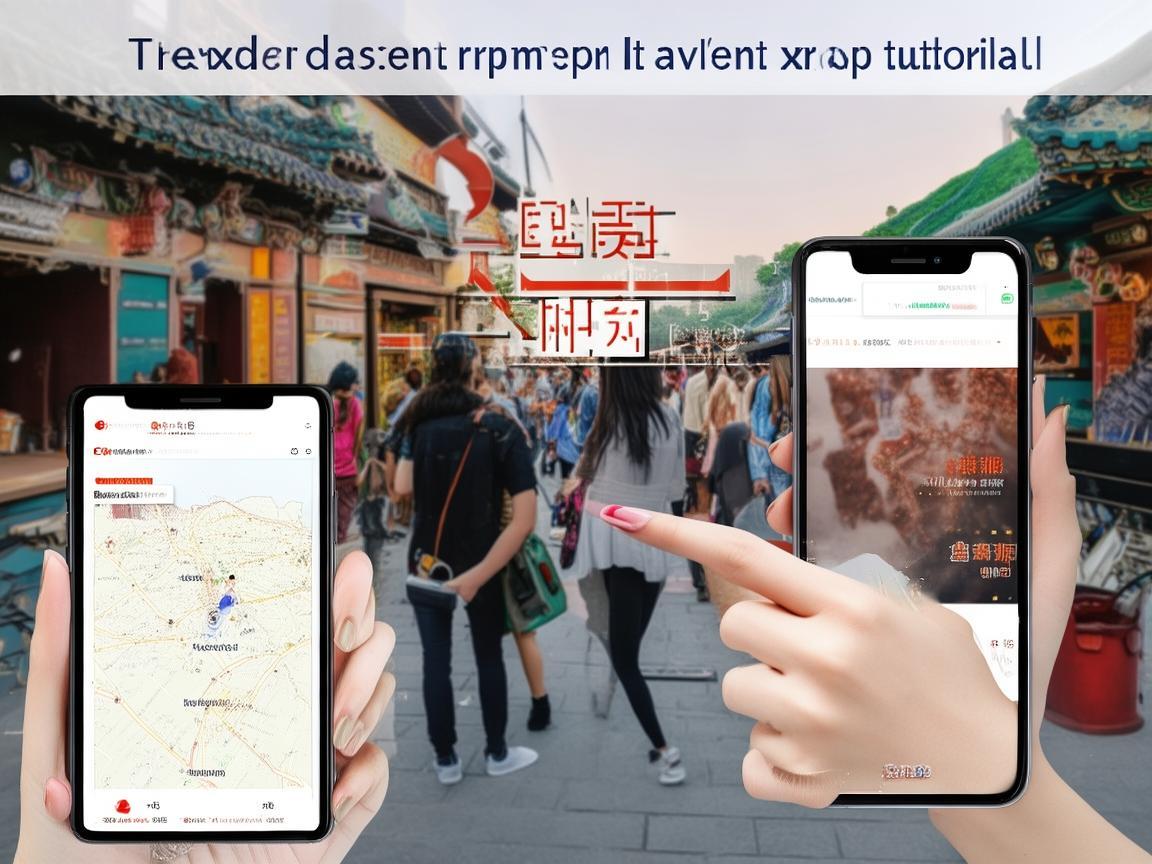
Your Essential China Payment App Tutorial: A Traveler’s Guide to Navigating Xi’an Like a Local
First Things First: Which App to Choose?
Two apps dominate China’s payment scene: WeChat pay and Alipay. Think of them like PayPal and Venmo combined—they handle everything from buying street food to paying rent. For travelers, Alipay is often slightly easier to set up (especially if you don’t have a Chinese phone number), but WeChat Pay is more widely used by small vendors (like the auntie selling steamed buns at your breakfast spot). I recommend downloading both—you never know which one a shop will accept.
Step 1: Download and Register (No Chinese Phone Number? No Problem!)
Let’s start with Alipay, since it’s more foreigner-friendly.
- Download: Search “Alipay” in your phone’s app store (it’s available on iOS and Android).
- Register: Open the app and tap “Sign Up.” You’ll see options like “Sign Up with Mobile” or “Sign Up with Email.” Choose “Email”—you don’t need a Chinese phone number. Enter your email, create a password, and verify your email with a code.
- Set Up Profile: Add your name (as on your passport) and upload a profile picture.
For WeChat Pay:
- Download: Search “WeChat” (it’s more than a messaging app—think WhatsApp + PayPal).
- Register: Use your phone number (any country works) or email to sign up. You’ll need to verify with a code.
- Link Payment: After logging in, go to “Me” > “Services” > “Wallet” > “Payment Methods” to add your payment info.
Step 2: Add Money to Your Wallet (The “Cash” Replacement)
Both apps work like digital wallets. You need to add money to use them. Here’s how:
For Alipay:
- Open Alipay > “Me” > “Balance.”
- Tap “Add Money” and choose “Add from Bank Card.”
- Enter your international credit/debit card (Visa, Mastercard, etc.—most work now!). Follow the prompts to verify your card (you might get a small “test charge” to confirm it’s yours).
- Enter the amount you want to add (start with ¥500–1000, about $70–140, to avoid frequent top-ups).
For WeChat Pay:
- Open WeChat > “Me” > “Wallet.”
- Tap “Balance” > “Add Money.”
- Choose “Bank Card” and enter your card details.
- Confirm the amount—same as above, start small.
Pro tip: If you run out of money, both apps let you transfer funds from friends (if they use Chinese apps) or add more instantly.
Step 3: Verify Your Identity (So You Can Actually Spend!)
Here’s a hurdle: without Chinese ID, you can only spend up to ¥1000 per transaction (about $140) in most apps. Annoying when you’re buying a ¥500 silk painting at the Muslim Quarter! To lift this limit, you need to verify your identity.
Alipay’s “Foreigner Verification”:
- Go to “Me” > “Settings” > “Identity Verification.”
- Tap “Foreigner Identity Verification” and select your country.
- Upload a clear photo of your passport’s main page and a selfie (make sure your face is visible).
- Wait 1–2 hours for approval—you’ll get a notification. Once done, your spending limit jumps to ¥100,000 (more than enough for travel!).
WeChat Pay’s “Real Name Verification”:
- Open WeChat > “Me” > “Wallet” > “Settings” > “Real Name Verification.”
- Tap “Verify Now” and choose “Foreigner.”
- Upload your passport and follow the prompts. Approval is usually faster than Alipay.
Why this matters: Without verification, you might get stuck at a restaurant when the bill is over ¥1000. Do this right after registering—trust me, it saves headaches later.
Step 4: How to Pay in Xi’an (The “Scan and Go” Life)
Once your wallet is set up, paying is shockingly easy. Here’s what to expect in Xi’an:
At Restaurants, Shops, and Attractions:
Most places (from fancy dumpling houses to the Terracotta Warriors ticket booth) have a QR code displayed at the counter or table. It’ll say “WeChat Pay” or “Alipay” with a little barcode.
- To pay: Open your app > Tap the “QR Code” icon (Alipay) or “扫一扫”/“扫一扫” (WeChat—this means “scan”).
- Scan the merchant’s code (not the other way around—some tourists mix this up!).
- Confirm the amount (double-check—you don’t want to pay ¥50 for a ¥5 bubble tea!).
- Enter your password or use Face ID/fingerprint (if you set it up). Done!
At Street Stalls (The “No Cash, No Worries” Moments):
Xi’an’s Muslim Quarter is a food paradise—think lamb skewers, roujiamo (Chinese hamburgers), and sweet persimmon cake). Vendors here often hold up a laminated QR code or have one taped to their cart. Don’t be shy—just scan, pay, and enjoy your snack! I once bought a biangbiangmian (wide noodle dish) from a street chef who only spoke Mandarin. He pointed to his WeChat code, I scanned, and we both smiled—no language needed.
For Taxis and Ride-Hailing:
- Taxis: Most drivers have a QR code in the backseat. If they don’t, use a ride-hailing app instead.
- Didi (China’s Uber): Download the “Didi Travel” app. Sign up with your phone number, link your Alipay or WeChat Pay, and request a ride. Payment is automatic—you don’t even need to take out your phone!
For Public Transport:
Xi’an’s subway and buses are cashless, but mobile payment is a bit tricky. Here’s the hack:
- Subway: Buy a physical “Yikatong” card at any subway station (you need a ¥50 deposit, refundable when you leave). Tap it to enter and exit—way easier than scanning a phone (subway turnstiles don’t always read phone screens well).
- Buses: Same Yikatong card works, or use Alipay’s “City Card” feature (search “Xi’an Public Transport” in Alipay > add to wallet > scan the bus’s QR code). But honestly, the Yikatong is simpler for short trips.
Step 5: Common Problems (And How to Fix Them)
Even with the best setup, hiccups happen. Here’s what to do:
“Payment Failed” or “Insufficient Balance”:
- Check your balance: Open your app > “Balance” (Alipay) or “Wallet” (WeChat). If it’s low, add more money from your card.
- Check your network: Mobile payments need internet! If you’re in a basement or remote area, switch to data (buy a Chinese SIM card at the airport—cheap and reliable) or use Wi-Fi.
“QR Code Expired”:
Some merchants update their QR codes daily. If the app says “invalid code,” just ask the vendor for a new one—they’ll happily show you.
Forgot Your Password/PIN:
Both apps have “Forgot Password” options. For Alipay, you can reset it with your email or phone number. For WeChat, use your linked phone number. Pro tip: Set up a 6-digit PIN for quick payments (in “Settings” > “Security”)—faster than typing a long password!
Someone Scammed You?:
Unlikely in Xi’an, but if you accidentally send money to the wrong person, act fast. In Alipay, go to “Transactions” > find the wrong payment > “Report.” For WeChat, go to “Wallet” > “Payment Management” > “Transaction Details” > “Dispute.” The apps have fraud protection, but report within 24 hours for the best chance of getting your money back.
Step 6: Security Tips (Keep Your Money Safe)
China’s payment apps are secure, but you still need to be smart:
- Enable biometric login: Use Face ID, fingerprint, or a PIN to open the app—don’t just rely on “remember me.”
- Don’t share your QR code: Your personal payment code (the one you show to merchants) is like cash. Never show it to strangers or post it online.
- Avoid public Wi-Fi for transfers: Use data instead—public Wi-Fi can be hacked.
- Set a spending limit: In “Security” settings, you can cap daily spending (e.g., ¥2000) to avoid big losses if your phone is stolen.
Final Thoughts: Why This Matters
After my first-day taxi panic, I spent an hour setting up Alipay and WeChat. By day two, I was paying for everything—from a ¥3 bowl of doujiang (soy milk) to a ¥200 silk scarf. It made Xi’an feel more accessible: I could chat with vendors, try street food without worrying about coins, and even book a last-minute trip to the Terracotta Warriors without stopping at an ATM.
Mobile payments aren’t just convenient—they’re how locals live. By learning them, you’re not just a tourist; you’re part of the flow. So download those apps, verify your identity, and get ready to scan, pay, and explore. Xi’an’s waiting—and now, you’re ready to enjoy it, cash-free.
Happy travels! 🚇🍜📱
Xi’an Airport Transfer Service
Private English-speaking driver service in Xi’an operated directly by Bruce Zhang. 24/7 airport pickup and hotel transfer for foreign travelers.
Helpful for Your Trip in Xi’an
Xi’an Night Markets: A Tourist’s Guide to Navigating QR Code Payments Like a Local
2026-09-08Renting a Car in Xi’an as a Foreigner: A Practical Guide to Payments and More
2026-09-0612-Hour Xi’an Layover: A Foreigner’s Guide to Payments & Must-See Spots
2026-09-03Xi’an Travel Tips for Foreigners: Navigating Payments & Hotel Drop-offs Like a Pro
2026-09-02Your QR Payment Survival Guide for Xi’an: How to Pay Like a Local
2026-09-01Xi’an Travel Tips: Why Cash Still Matters (and Where to Use It!)
2026-08-26Macau Payment Guide for Foreign Travelers: From Cash to Apps
2026-08-19Xi’an Travel: A Tourist’s Guide to Scenic Area Payments & Tips
2026-08-13Navigating Payments in Xi’an Without a Data Plan: A Tourist’s Practical Guide
2026-08-11Smart Savings in Xi’an: A Traveler’s Guide to Education-Friendly Payment Systems
2026-08-10