

An American’s Guide to Paying in Xi’an: How to Use Meituan as a Foreigner
Landing in Xi’an for my first trip, I was excited to explore the Terracotta Army, cycle on the ancient city walls, and stuff myself with roujiamo (Chinese hamburgers) and liangpi (cold skin noodles). But within an hour of arriving, I hit a wall: literally every place—from street vendors to subway ticket machines—only accepted mobile payments. As someone used to swiping credit cards or using Apple Pay, I felt stuck. “How do I pay for a 10 yuan bowl of noodles?” I wondered, staring at a vendor’s Alipay QR code like it was hieroglyphics.
Thankfully, a fellow traveler tipped me off: Meituan is your best friend in China. At first, I thought Meituan was just for food delivery (like Uber Eats), but it’s actually a “super app” that covers everything—food, taxis, hotels, attractions, even convenience stores. For foreigners, it’s a lifeline. By the end of my trip, I was using Meituan to pay for bubble tea, book a day trip to the Terracotta Army, and even order late-night snacks to my hostel. Here’s exactly how to make it work, step by step—no Mandarin required (mostly).
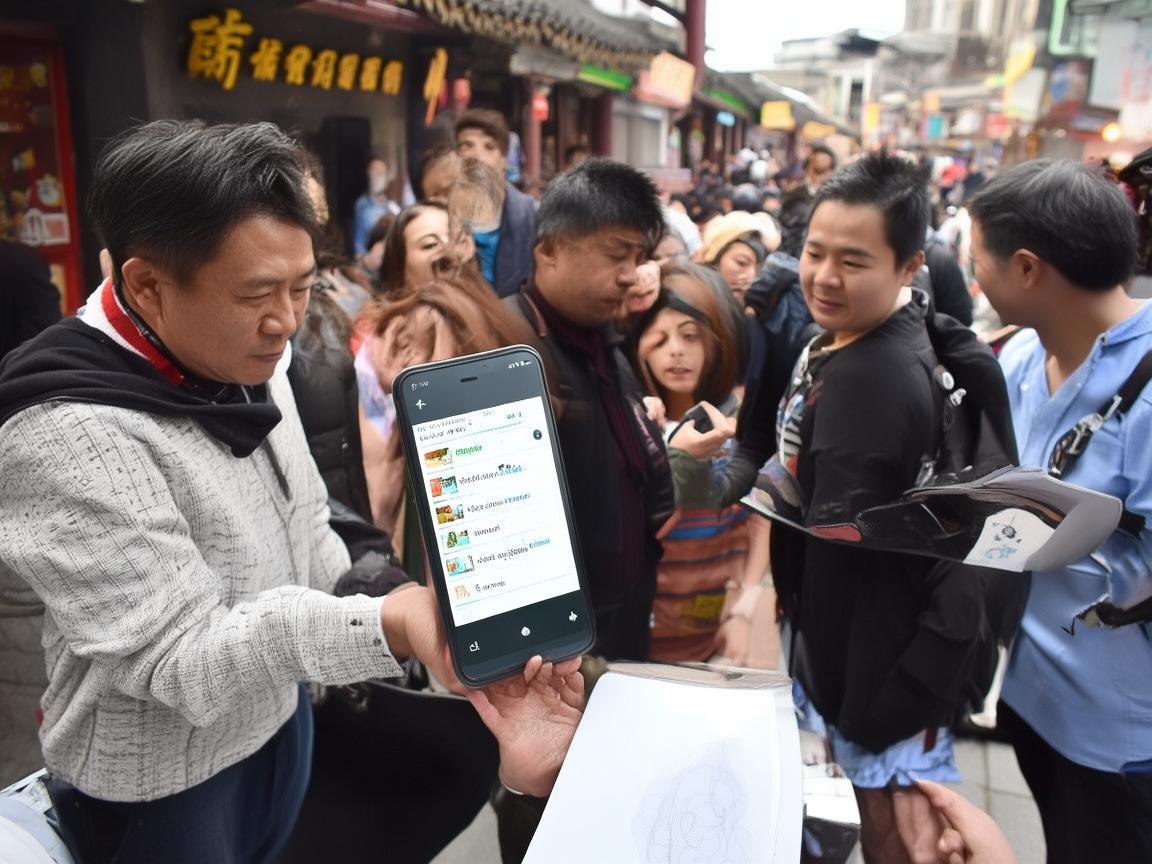
An American’s Guide to Paying in Xi’an: How to Use Meituan as a Foreigner
First Things First: Download Meituan and Set Up Your Account
Before you leave home, grab Meituan from the App Store or Google Play. It’s free, and the interface now has an English option (look for the “English” button in the top right corner—easy to miss, but it’s there!).
When you sign up, you’ll need to enter your phone number. Wait—your foreign SIM won’t work for SMS verification? Don’t panic. Meituan lets you verify via email instead! Just select “Verify via Email” and enter your Gmail or Outlook address. You’ll get a 6-digit code to finish registration.
Next, link a payment method. This is the most critical step. As a foreigner, you can’t link a Chinese bank account (unless you live here), but you can add an international credit card (Visa, Mastercard, Amex). Go to “Me” (profile icon) → “Payment Methods” → “Add Payment Method” → “Credit/Debit Card.” Enter your card details—name, number, expiry date, and CVV. I tested my Chase Visa, and it worked instantly!
Pro tip: If your card gets declined (some foreign banks block China transactions), call your bank first to authorize international purchases. I learned this the hard way when my card froze mid-payment at a dumpling shop.
Using Meituan to Pay In-Store: The “Scan to Pay” Hack
Once your card is linked, paying in stores is a breeze. Most vendors in Xi’an display two QR codes: one for Alipay (blue) and one for WeChat Pay (green). But many also accept Meituan—just look for a yellow Meituan logo (it says “美团” in Chinese, but the yellow icon is recognizable). If you don’t see one, ask the vendor! Most young people speak basic English, and a simple “Meituan pay?” usually gets a nod.
Here’s how to scan and pay:
- Open Meituan and tap the “Scan” icon at the bottom (it looks like a QR code).
- Point your camera at the vendor’s Meituan QR code. The app will automatically detect it.
- Enter the amount (the vendor might tell you, or you can check the price tag).
- Confirm the payment, and you’re done! The money will be deducted from your linked card.
I used this for everything:
- Street food: A liangpi seller in the Muslim Quarter quoted me 12 yuan. I scanned her Meituan code, entered 12, and paid in 2 seconds. No fumbling with cash!
- Taxis: Taxis in Xi’an rarely take credit cards, but most drivers use Meituan. Just say “Meituan, please” when you get in, and they’ll show you their QR code. I paid a 25 yuan fare from the train station to my hostel this way.
- Convenience stores: FamilyMart and 7-Eleven accept Meituan, so you can grab a bottle of water or snacks without worrying about small change.
Beyond Payments: Meituan for Booking, Delivery, and More
Meituan isn’t just for paying—it’s your all-in-one travel planner. Here’s how I used it to make my trip smoother:
Booking Attractions and Tours
Skip the long ticket lines at the Terracotta Army or Big Wild Goose Pagoda! Meituan lets you buy tickets in advance with your credit card. Just search for the attraction (e.g., “兵马俑” for Terracotta Army—Meituan’s search bar has English suggestions), select your date and time, and pay. I booked my Terracotta Army tickets for 150 yuan total (includes the three pits and the Qin Shi Huang Mausoleum) and walked right past the queue.
Pro tip: Look for combo deals! Meituan often discounts packages, like “Terracotta Army + City Wall” tickets for 200 yuan instead of 220.
Food Delivery (For Late-Night Cravings)
Xi’an’s night markets are amazing, but if you’re tired after a long day of sightseeing, Meituan delivery is a lifesaver. I ordered hot pot and dumplings to my hostel at 10 PM using the “Food Delivery” tab. Just enter your address (most hostels will give you a Chinese address to use—save it in your phone!), pick a restaurant, and order. Delivery is usually 5-10 yuan and takes 30-45 minutes.
Hotel and Hostel Bookings
Meituan has a huge selection of budget hotels and hostels. I booked a clean, private room at a hostel near the Muslim Quarter for 80 yuan/night—way cheaper than the big booking sites. Just filter by “English” if you need it, and read reviews (Google Translate works well for Chinese reviews).
Troubleshooting: Common Meituan Hiccups (and How to Fix Them)
Even with the English interface, you might run into issues. Here’s how to solve the most common ones:
- “Payment failed” error: This usually means your bank blocked the transaction. Call your credit card company before your trip to authorize Meituan charges. If it still fails, try adding the card again or use a different card (I had better luck with my Mastercard than my Visa).
- Can’t find a Meituan QR code: Some small vendors (especially older ones) might not use Meituan. In that case, look for a nearby “WeChat Pay” or “Alipay” sign—Meituan often works with those too, but if not, you’ll need cash. Tip: Exchange a little money at the airport or bank (1 USD ≈ 7 RMB).
- App is in Chinese: If the English button disappears, go to “Me” → “Settings” → “Language” and switch back to English. It’s a glitch, but easy to fix.
Final Thoughts: Meituan Makes Xi’an (and All of China) Accessible
By the end of my week in Xi’an, Meituan felt like a part of my daily routine. It took away the stress of carrying cash, the confusion of not speaking Mandarin, and the hassle of long lines. Whether I was paying for a 5 yuan jianbing (Chinese crepe) or booking a 200 yuan tour, Meituan made it simple.
If you’re a foreign traveler in China, download Meituan before you go. Link your credit card, test the scan-to-pay feature at home, and don’t be afraid to ask for help. The people in Xi’an are friendly, and most will be happy to guide you.
Xi’an is a city of history, flavor, and adventure—and with Meituan, you can focus on enjoying it, not worrying about how to pay. Now go eat that roujiamo! 🥪
Xi’an Airport Transfer Service
Private English-speaking driver service in Xi’an operated directly by Bruce Zhang. 24/7 airport pickup and hotel transfer for foreign travelers.
Helpful for Your Trip in Xi’an
Navigating Xi’an’s Metro: A Foreigner’s Practical Payment Guide
2026-07-27Navigating Xi’an: A Tourist’s Guide to Mastering Mobile Payments in China
2026-07-27Navigating Xi’an Like a Local: My Digital Pay Survival Guide
2026-07-26Xi’an Travel Tips: Cash vs. QR Codes for Entrance Tickets——A Tourist’s Practical Guide
2026-07-25Alipay for Foreign Travelers in Xi’an: A Practical Setup Guide
2026-07-25How to Survive (and Thrive) in Xi’an: A Tourist’s Guide to Digital Transactions
2026-07-24Navigating Theme Park Payments in Xi’an: A Traveler’s Practical Guide
2026-07-24Xi’an’s Convenience Stores: Your Go-To for Easy Travel Payments
2026-07-23My Cash Backup Strategy for Traveling in China: A Tourist’s Practical Guide
2026-07-22Emergency Payments in Xi’an: A Foreign Traveler’s Practical Guide
2026-07-22