

How to Ride Xi’an Metro and Pay with WeChat: A Traveler’s No-Nonsense Guide
Okay, let’s be real—when I first landed in Xi’an, I was equal parts excited and overwhelmed. Between the terracotta warriors, the Muslim Quarter’s street food, and the ancient City Wall, I knew I’d be moving around a lot. But as a foreigner, one of my biggest worries was: How do I pay for stuff here? I’d heard China was cashless, but I didn’t have a local bank account, and my credit cards felt useless for small purchases. Enter WeChat Pay and the metro system. After a week of trial, error, and way too many confused stares at ticket machines, I’ve cracked the code. Here’s exactly how to navigate Xi’an like a local, using WeChat for metro rides and beyond—no stress, just smooth travels.
First Things First: Get WeChat Pay Ready
Before you even think about hopping on the metro, you need WeChat Pay set up. If you don’t have WeChat, download it (it’s like WhatsApp + PayPal + Instagram rolled into one). Sign up with your phone number—foreign numbers work fine, but you might need a friend to help verify it if you get stuck.
How to Ride Xi’an Metro and Pay with WeChat: A Traveler’s No-Nonsense Guide
Once you’re in, here’s how to activate WeChat Pay:
- Open WeChat, tap “我” (Me) in the bottom-right corner.
- Go to “服务” (Services), then tap “钱包” (Wallet).
- If you don’t see a “Payment” option, click “添加银行卡” (Add Bank Card) to link a card. Wait, international cards? Yes! Most UnionPay, Visa, and Mastercards work. I linked my Canadian Visa, and it worked for metro rides, snacks, and even coffee. Just note: some small vendors might only accept Chinese-issued cards, but for metro and big shops, you’re good.
Pro tip: Top up your WeChat Wallet with a little cash (say, ¥200-300) to avoid stressing about limits. You can add money via “Recharge” in Wallet—just enter the amount, confirm your card, and done.
The Metro Game-Changer: Using WeChat to Ride
Xi’an’s metro is the best way to get around. It’s clean, fast, and connects all major spots: Big Wild Goose Pagoda (Line 3), Muslim Quarter (Line 2), Bell Tower (Line 2), and even the Terracotta Army (Line 9, plus a short bus). But buying tickets? Forget queuing at machines—WeChat lets you “scan and ride.”
Step 1: Find the Metro QR Code in WeChat
- Open WeChat, tap “我” > “服务” > “出行” (Transport).
- Look for “乘车码” (Ride Code)—it’s usually at the top. If not, search “乘车码” in the WeChat search bar (the magnifying glass icon).
- Select “西安地铁” (Xi’an Metro) from the list of cities.
Step 2: Generate Your Code (and Save It Offline!)
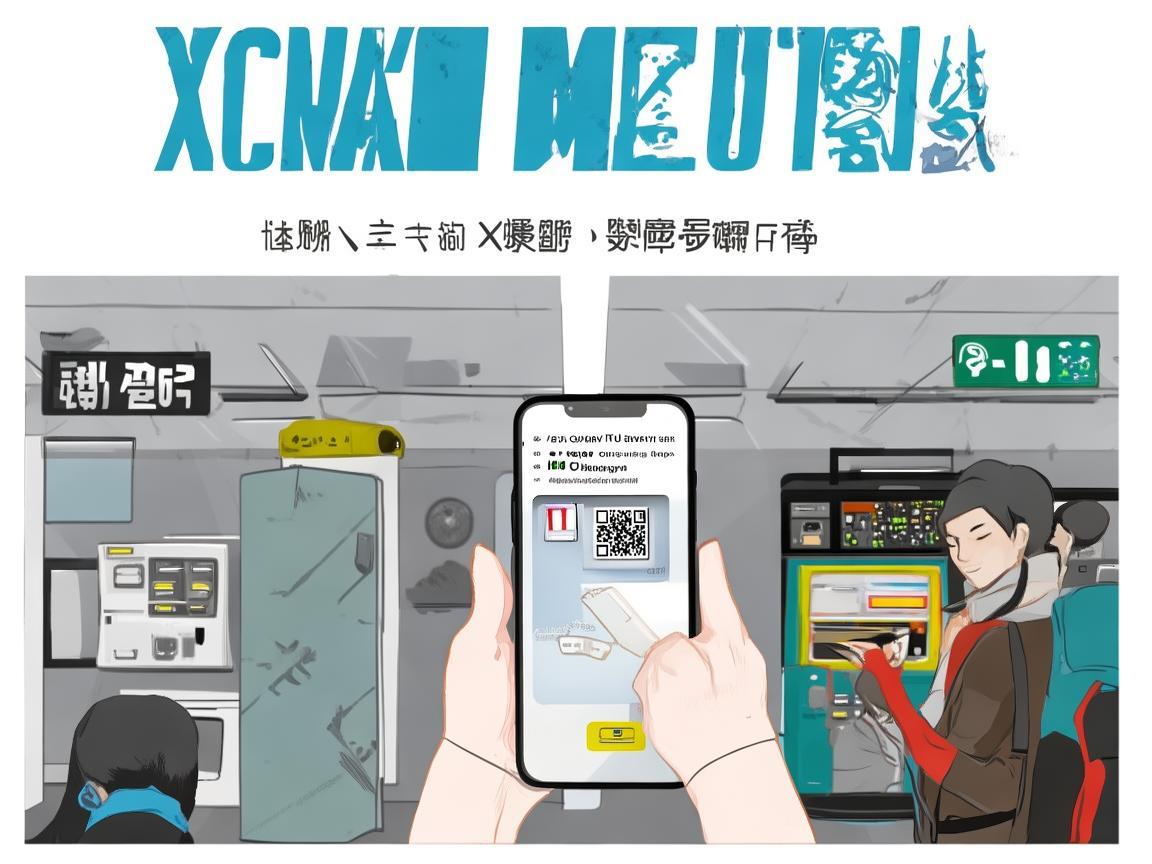
Once you pick Xi’an Metro, a QR code will pop up. This is your ticket. Just scan it at the metro gate—no need to buy physical tickets, and it automatically deducts the fare from your WeChat Wallet.
Critical tip: Save the offline code! If you’re in a tunnel with no Wi-Fi (hello, underground metro stations), the code might disappear. To fix this:
- On the “乘车码” page, swipe down until you see “保存到手机” (Save to Phone). Tap it, and the code will be saved to your photos or a dedicated “Metro Code” album. Now even without Wi-Fi, you can open your photo album and scan it. I learned this the hard way after getting stuck at a gate with a “no signal” error—don’t be me!
Step 3: Ride Like a Local
At the metro station, look for gates with a green “微信乘车码” sign (they’re usually labeled clearly). Scan your code (either from the WeChat “出行” page or your saved photo) over the scanner—it beeps, the gate opens, and you’re in! When you exit, scan the same code at the exit gate—fare is automatically calculated based on distance (¥2-8 for most inner-city trips).
What if your balance is low? If WeChat Wallet has less than the fare, the gate won’t open. No panic! Just find a “客服中心” (Customer Service desk) inside the station—they can help you add money or buy a physical ticket. Or, use the metro’s self-service machines (they accept cash and cards) to top up your WeChat via Alipay (another payment app, but WeChat is more common for tourists).
Real Talk: My “Oops” Moments (and How to Avoid Them)
Even with a guide, I messed up a few times. Here’s what to watch for:
-
“Why won’t my code scan?!” First, check your phone brightness—some scanners are picky in dim stations. Second, make sure you’re using the Xi’an Metro code, not another city’s (I accidentally scanned my Beijing metro code once—oops). Third, restart WeChat if it’s glitchy (works 90% of the time).
-
“Wait, how much did I spend?” WeChat sends a notification after each ride, but you can also check your metro history: Open “乘车码” > tap the “history” icon (usually a clock) to see past trips and fares.
-
“What about buses?” Good news! The same WeChat “乘车码” works for buses too. Just scan it when you board—fare is usually ¥1-2, and it’s way cheaper than taxis.
-
“Taxis and ride-hailing?” For taxis, some drivers take WeChat—just ask “微信支付可以吗?” (Can I use WeChat Pay?). For ride-hailing, use Didi (China’s Uber)—you can pay via WeChat or Alipay in the app.
Bonus: Beyond the Metro—Using WeChat Everywhere
Once you master metro payments, you’ll realize WeChat Pay is everywhere: street food vendors, convenience stores, even the terracotta ticket counter! Here’s how to use it for non-metro stuff:
-
At restaurants: When the bill comes, the waiter will show a QR code. Open WeChat > “扫一扫” (Scan) > scan their code > confirm payment. Tip: Carry ¥1 coins for small tips (not mandatory, but appreciated).
-
At attractions: Most big spots (Terracotta Army, City Wall) accept WeChat for tickets. Just scan the QR code at the ticket booth, enter your ID/passport number, and pay—no waiting in line!
-
Street food: In the Muslim Quarter, vendors love WeChat. Just show them your “付款码” (Payment Code)—it’s in “钱包” > “付款码”. They’ll scan it, and you’re good to go with your roujiamo (Chinese hamburger) or liangpi (cold noodles).
Final Thoughts: You’ve Got This!
Xi’an is an incredible city, and the metro + WeChat combo makes exploring it a breeze. I went from panicking about “how do I pay?” to casually hopping on the metro to grab late-night dumplings—all thanks to WeChat. Just remember: save that offline metro code, top up your wallet, and don’t be afraid to ask a local for help (most young people speak English and are happy to help).
So pack your comfy shoes, download WeChat, and get ready to fall in love with Xi’an—one metro ride at a time. Happy travels!
Xi’an Airport Transfer Service
Private English-speaking driver service in Xi’an operated directly by Bruce Zhang. 24/7 airport pickup and hotel transfer for foreign travelers.
Helpful for Your Trip in Xi’an
Navigating Payments in Xi’an: A Group Traveler’s Practical Guide
2026-07-29Ordering and Paying in Xi’an: A Traveler’s No-Stress Guide
2026-07-29Xi’an E-Wallet: How This Little App Made My Trip a Breeze
2026-07-29Xi’an Traveler’s Survival Guide: How to Master China’s Mobile Wallets (WeChat Pay & Alipay)
2026-07-28Xi’an Travel: Your Practical ID Guide to Navigate China’s Real-World Rules
2026-07-28Xi’an Long Stay: How to Handle Payments Like a Local
2026-07-28Paying at Xi’an Clubs: A Foreigner’s No-Fluff Guide
2026-07-28Navigating Xi’an’s Metro: A Foreigner’s Practical Payment Guide
2026-07-27Navigating Xi’an: A Tourist’s Guide to Mastering Mobile Payments in China
2026-07-27Navigating Xi’an Like a Local: My Digital Pay Survival Guide
2026-07-26