

Xi’an Traveler’s Guide: Using Alipay at Merchants Like a Local
Let me start by saying this: I’m not a tech whiz. Before my trip to Xi’an, I’d heard China was a “cashless society,” but I assumed that meant credit cards would work. Spoiler: They don’t, at least not for small vendors. My first day in the Muslim Quarter, I tried to buy a roujiamo (that amazing Chinese hamburger) with my Visa card, and the vendor just stared at me like I’d handed him a rock. That’s when I panicked—until a local student tapped my shoulder and said, “Use Alipay!”
By the end of my 10-day trip, Alipay became my best friend. It’s not just for paying; it’s the key to navigating Xi’an like a local. If you’re planning a trip and feeling overwhelmed by the “cashless” thing, let me break down exactly how to use Alipay at merchants—step by step, with real examples and mistakes I made (so you don’t have to).
First Things First: Get Alipay Set Up (Before You Leave Home)
If you’re outside China, Alipay might not be on your phone yet. Don’t wait until you’re at the airport—trust me. Here’s what I did:
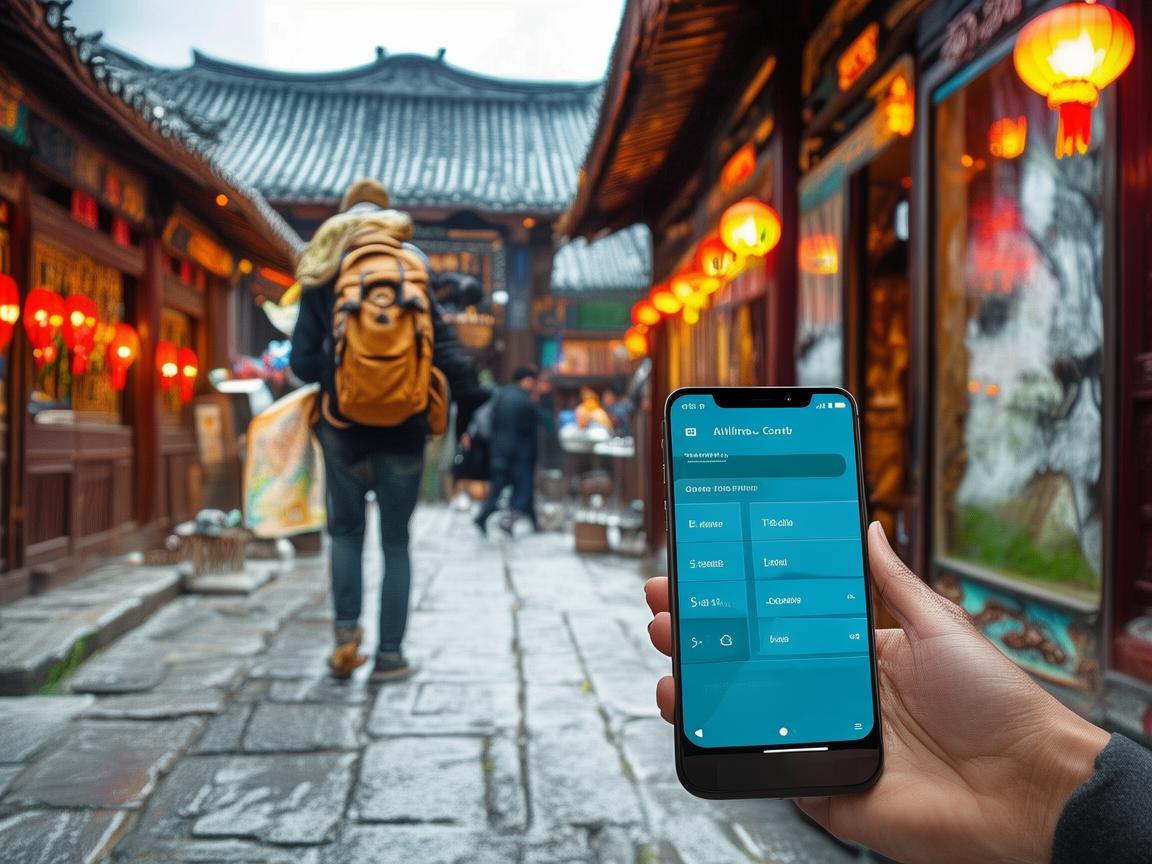
Xi’an Traveler’s Guide: Using Alipay at Merchants Like a Local
- Download the App: Search for “Alipay” in your phone’s app store (it’s available globally now).
- Sign Up: You can use your phone number or email. I used my email since I didn’t have a Chinese number yet.
- Add a Foreign Bank Card: Go to “Me” > “Wallet” > “Bank Cards” and add your debit/credit card (Visa, Mastercard, etc.). I added my Chase card—easy.
- Top Up (Optional but Helpful): You can add money to your Alipay balance from your bank card. I topped up $100 at first; it’s faster than paying directly from your card sometimes, especially with spotty Wi-Fi.
Pro Tip: If you’re in China and don’t have a local number, you can still sign up using your passport at a China Mobile or China Unicom store—they’ll help link your number to Alipay. But doing it beforehand saves time.
How to Pay at Merchants: The Step-by-Step
Once you’re in Xi’an, almost every merchant—from street food stalls to big supermarkets—accepts Alipay. Here’s how to actually pay:
Find the Alipay QR Code
Every merchant that accepts Alipay will have a QR code displayed. It’s usually a green square with a white “Alipay” logo (like a blue “A” with a tail). Look for it:
- On a counter at restaurants (e.g., in the Muslim Quarter or near the Bell Tower).
- On a stand at street food stalls (like the ones selling biangbiang noodles or tanghulu).
- On a table at tourist sites (like the Terracotta Army or City Wall).
If you don’t see one, just ask, “Do you accept Alipay?” Most vendors will point excitedly to the code.
Open Alipay and Scan
Open the app, tap the “+” icon at the bottom of the screen, and select “Scan.” (It’s the camera-like icon.) Point your phone at the QR code—don’t worry, it works in bright sunlight or dim stalls.
My Mistake: My first time, I accidentally opened the “Pay” tab instead of “Scan.” The vendor waited patiently while I fumbled, but now I know: “Scan” is for you to scan their code. “Pay” is for them to scan your code (more on that later).
Confirm the Payment
After scanning, a screen will pop up showing the amount (e.g., “¥15.00”). Double-check the number—once you confirm, the money is gone. Then, either:
- Use your fingerprint/face ID (if you set it up), or
- Enter your 6-digit Alipay password.
That’s it! The vendor will hear a “ding” and show you a success screen on their phone. No cash, no card, no signature.
Real-Life Examples: Using Alipay at Xi’an Merchants
Let me walk you through specific situations—this is where the “real traveler” advice comes in.
Example 1: Street Food in the Muslim Quarter
I was dying to try yangrou paomo (bread soaked in lamb soup) at a tiny stall near the Great Mosque. The owner, a sweet grandma, didn’t speak English, but her QR code was right on the cart.
- Step 1: Scanned her green Alipay code.
- Step 2: The app showed “¥25.00” (a big bowl, totally worth it).
- Step 3: Confirmed with my fingerprint.
- Bonus: Alipay asked if I wanted to rate the stall. I left 5 stars, and the next day, I got a ¥2 coupon for “local food” in my Alipay wallet! Small win, but it added up.
Tip: For street food, always check the price before scanning. Some vendors might list it on a chalkboard, but if not, point to the food and hold up fingers (e.g., “One bowl?”) to confirm.
Example 2: The Terracotta Army Tickets
I bought my Terracotta Army tickets online via Alipay to skip the line—genius move. Here’s how:
- Opened Alipay > “Travel” > “Tickets.”
- Searched “Terracotta Army.”
- Selected the date/time, paid with my linked card, and got a QR code ticket.
- At the entrance, I just scanned my phone—no printing, no hassle.
Note: For big attractions, Alipay often has combo deals (e.g., Terracotta Army + Huaqing Pool for a discount). Check the “Travel” section—you might save money!
Example 3: Shopping at the Xi’an Muslim Quarter Bazaar
I wanted to buy a silk scarf and some biangbiang noodles souvenirs. At a silk shop, the vendor showed me a fancy scarf and said “¥200.” I knew bargaining is common here, so I smiled and said “¥150.” She countered with “¥180,” and we settled at ¥160.
- Paying: She had a “customer QR code” (a blue one, for you to pay her). I opened Alipay > “+” > “Pay,” she scanned my phone, and I entered ¥160. Done!
- Why the blue code?: Green is for merchants to scan your code (you pay them). Blue is for customers to scan your code (they pay you). Confusing at first, but you’ll get it.
Bargaining Tip: Always smile and be polite. If they refuse your offer, walk away—they’ll often call you back with a better price. I got a silk scarf for 30% less just by being friendly!
Alipay Perks You Didn’t Know About
Alipay isn’t just for paying—there are hidden gems that make traveling Xi’an cheaper and easier:
Red Envelopes (Hongbao)
Every day, Alipay gives out “red envelopes” with small discounts (like ¥1–¥5 off). To get them:
- Open Alipay > “Discover” > “Hongbao.”
- Look for “Daily Login Bonus” or “Local Deals.”
- I used these to get free doujiang (soy milk) or discounts at breakfast spots.
“City Card” Feature
Xi’an has an “Alipay City Card” that bundles discounts for attractions, restaurants, and transport. I added it for free (“Me” > “City Card” > “Xi’an”), and it saved me 20% at a hotpot place near the city wall.
English Support
If you’re stuck, Alipay has an English-language help center. Go to “Me” > “Help Center” > “English,” and you can chat with support or search for guides. I used it when I couldn’t find the “Scan” button—super helpful.
What If Something Goes Wrong?
Don’t panic—I messed up a few times, and it was fine.
Scenario 1: No Wi-Fi or Data
Alipay works offline! Here’s how:
- Before you leave your hotel, open Alipay and go to “Settings” > “Offline Payment.”
- Enable “Offline Payment” (it uses your balance, not your bank card).
- When you’re offline, scan the QR code as usual—just make sure you have enough balance in your Alipay wallet.
I learned this the hard way when I got lost in the alleys near the Bell Tower with no signal. But since I’d enabled offline mode, I could still buy a bottle of water—phew!
Scenario 2: Wrong Amount or Failed Payment
If you accidentally pay the wrong amount or the payment fails:
- Open Alipay > “Me” > “Transactions.”
- Find the payment, tap “Report,” and choose “Wrong Amount” or “Failed.”
- Alipay’s customer service will help—responds within 24 hours, usually faster.
I once paid ¥50 instead of ¥5 for a bubble tea (oops!). I reported it, and they refunded me the next day.
Final Thoughts: Alipay Makes Xi’an Accessible
By the end of my trip, I felt like a local—not because I knew all the history (though I learned a lot!), but because I could pay for anything in seconds. Alipay turned a stressful “cashless” situation into a seamless adventure.
My advice? Don’t be intimidated like I was. Download the app before you go, practice scanning a QR code at home (even if it’s just a picture), and remember: everyone in Xi’an is used to tourists using Alipay—they’ll help if you’re stuck.
Now go enjoy that roujiamo, biangbiang noodles, and Terracotta Army—just make sure your Alipay is ready. You’ve got this!
Xi’an Airport Transfer Service
Private English-speaking driver service in Xi’an operated directly by Bruce Zhang. 24/7 airport pickup and hotel transfer for foreign travelers.
Helpful for Your Trip in Xi’an
Navigating Payments in Xi’an: A Group Traveler’s Practical Guide
2026-07-29Ordering and Paying in Xi’an: A Traveler’s No-Stress Guide
2026-07-29Xi’an E-Wallet: How This Little App Made My Trip a Breeze
2026-07-29Xi’an Traveler’s Survival Guide: How to Master China’s Mobile Wallets (WeChat Pay & Alipay)
2026-07-28Xi’an Travel: Your Practical ID Guide to Navigate China’s Real-World Rules
2026-07-28Xi’an Long Stay: How to Handle Payments Like a Local
2026-07-28Paying at Xi’an Clubs: A Foreigner’s No-Fluff Guide
2026-07-28Navigating Xi’an’s Metro: A Foreigner’s Practical Payment Guide
2026-07-27Navigating Xi’an: A Tourist’s Guide to Mastering Mobile Payments in China
2026-07-27Navigating Xi’an Like a Local: My Digital Pay Survival Guide
2026-07-26