

My Xi’an Survival Guide: How China’s SIM System Kept Me Connected (and Sane)
Landing in Xi’an at 6 a.m. after a red-eye flight from Shanghai, I was buzzing with excitement—until I tried to message my hostel to say I’d arrived. No signal. My international SIM, which had worked perfectly in Shanghai, suddenly gave me that dreaded “No Service” error. Panic set in: How do I find my hostel? What if I get lost? What about booking a taxi to the Terracotta Warriors later that day?
Thankfully, a friendly airport staff member pointed me to the China Mobile counter in the arrivals hall. Within 20 minutes, I’d bought a local SIM, activated it, and was scrolling Google Maps like a pro. By the time I hopped in a Didi (China’s Uber), I’d already messaged my family, shared a “Made it to Xi’an!” post on Instagram, and even looked up the best baozi (steamed buns) near my hostel. That little piece of plastic—my China SIM—became the backbone of my entire trip. If you’re planning a trip to Xi’an (or anywhere in China), here’s exactly how to use China’s travel connectivity system to avoid the stress I almost faced.
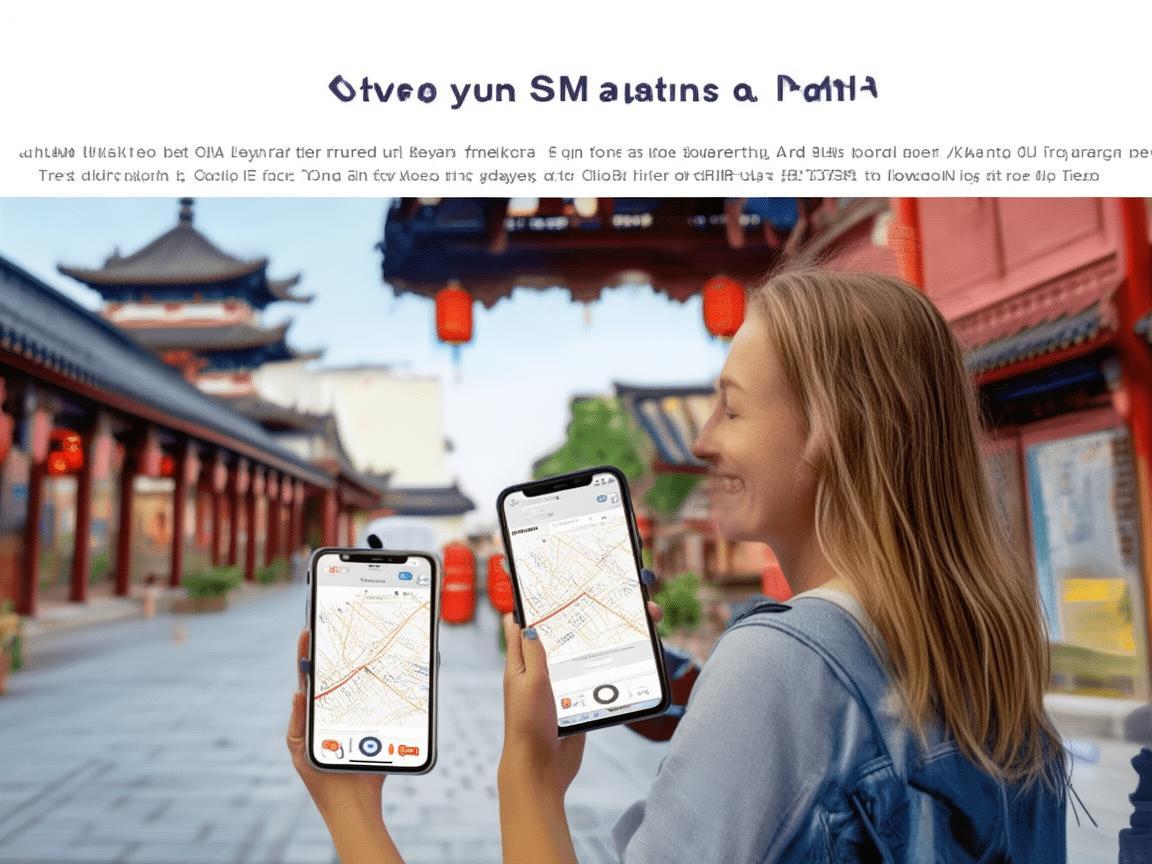
My Xi’an Survival Guide: How China’s SIM System Kept Me Connected (and Sane)
First Things First: Why You Need a Local SIM (Not International Roaming)
Before I dive into the “how,” let’s talk about the “why.” International roaming in China is a scam—sorry, not sorry. I once paid $50 for 1GB of data in Shanghai, and it was so slow I couldn’t even load a map. Local SIMs, on the other hand, are cheap, fast, and designed for travelers.
China’s telecom operators (China Mobile, China Unicom, China Telecom) have massive 4G/5G networks that cover 99% of tourist spots, from the Terracotta Warriors to the Muslim Quarter. With a local SIM, you get:
- Fast, reliable data for Google Maps, WeChat, booking apps, and more.
- Affordable calls and texts (though most travelers just use WeChat for messaging).
- Access to Chinese apps like Didi, Meituan (for food delivery), and Alipay (for payments)—many of which don’t work well with foreign SIMs.
Trust me, trying to navigate Xi’an’s winding hutongs without Google Maps or haggle with a street vendor without WeChat Pay is a nightmare. A local SIM is non-negotiable.
Step 1: Buying Your SIM—Where and What to Bring
You can buy a SIM card at almost any airport, train station, or telecom store in Xi’an. I got mine at Xi’an Xianyang International Airport (XIY) because it’s convenient—you don’t have to worry about finding a store later. Here’s what you need:
Required Documents
- Passport: This is mandatory. China’s telecom system requires real-name registration for all SIMs (to prevent fraud, they say).
- Temporary Residence Registration Form: If you’re staying at a hotel, the front desk will give you this when you check in. If you’re in a hostel or Airbnb, ask your host to help you register online (it’s quick and free). Some airports might skip this, but better safe than sorry.
Which Operator to Choose?
Xi’an has three main telecom operators, and for travelers, China Mobile is your best bet. Its 4G/5G coverage is the most extensive, especially in rural areas like the Terracotta Warriors (about 40 km outside the city). China Unicom is a close second—cheaper but slightly weaker signal in some suburbs. China Telecom is great for calls but has fewer data plans for tourists.
I went with China Mobile, and my signal was perfect everywhere: the city center, the Terracotta Warriors, even the top of the City Wall.
Step 2: Picking the Right Plan—Data Is King
China Mobile offers tons of tourist plans, but focus on data packages. Calls and texts are cheap (or free on WeChat), so don’t overpay for them. Here’s what I got:
China Mobile “Tourist Package” (¥30/7 days)
- 10GB of 4G data: Enough for Google Maps, WeChat, Instagram, and even watching a few YouTube videos.
- 100 minutes of domestic calls: I didn’t use this, since I called family over WeChat.
- Free WeChat data: Some plans restrict WeChat, but this one didn’t—perfect for messaging.
If you’re staying longer, there’s a ¥50/30-day plan with 30GB of data, which is great for extended trips. You can also top up at any convenience store (7-Eleven, FamilyMart) or telecom store if you run out of data.
Pro tip: Ask the staff to activate “international roaming” for your SIM if you plan on day trips to other cities (like Luoyang or Chengdu). It’s free and lets you use your data outside Xi’an.
Step 3: Activating Your SIM—It’s Easier Than You Think
Activating a China SIM is super simple. Here’s what I did at the airport:
- Hand over your passport to the China Mobile staff. They’ll scan it and ask for your temporary address (your hostel/hotel address works).
- Choose your plan and pay (cash or Alipay/WeChat Pay). I paid ¥30 in cash—easy.
- Insert the SIM into your phone (they can help if you don’t know how to open the SIM tray).
- Wait 5 minutes for the activation text. Once you get it, turn your phone on/off, and you should see “China Mobile” in the corner—congrats, you’re connected!
Note: If your phone is unlocked (most are these days), you’re good to go. If not, ask the staff to help you unlock it—it’s usually free.
Step 4: Using Your SIM—Xi’an Travel Hacks for Connectivity
Once you’re connected, the fun begins. Here’s how I used my SIM to make my Xi’an trip smooth:
Navigation: Never Get Lost (Again)
Xi’an’s old city is a maze of hutongs and alleyways. I relied on Google Maps (yes, it works with a Chinese SIM!) to get everywhere. From my hostel to the Muslim Quarter: 10-minute walk. To the Terracotta Warriors: Didi ride (¥50) in 40 minutes. To the City Wall: bus #5 from Bell Tower (¥2).
Pro tip: Download offline maps of Xi’an on Google Maps before you leave your home country. In case you lose signal (rare in tourist areas), you’ll still have directions.
Payments: WeChat Pay and Alipay Are Your Best Friends
China is a cashless society. Even a street vendor selling jianbing (savory crepes) will ask you to pay by WeChat or Alipay. With my SIM, I linked my bank card to WeChat Pay in 5 minutes:
- Open WeChat → Me → Wallet → Add Bank Card.
- Enter your card details (Visa/Mastercard work most of the time).
- Verify with a text code from your bank.
I used WeChat Pay for everything: ¥5 for a bottle of water, ¥20 for roujiamo (Chinese hamburgers), ¥100 for a ticket to the Terracotta Warriors. No need to carry cash—so convenient!
Booking: Hotels, Trains, and Tickets on the Go
I booked my hostel on Booking.com, but I also used Meituan (China’s Yelp/Uber Eats) to find restaurants and Ctrip (TripChina) to buy train tickets to Luoyang. With my SIM, I could compare prices, read reviews, and book in minutes.
For example, when I wanted to visit the Shaanxi History Museum (free but requires a ticket), I used Ctrip to reserve a slot for the next day—no waiting in line!
Staying in Touch: WeChat and WhatsApp
WeChat is China’s super app—you can message, call, send photos, and even pay with it. I added my Chinese friends and hostel staff on WeChat, and they helped me order food, find hidden gems, and even fix my Didi when I got lost.
WhatsApp and Facebook also work with a Chinese SIM, but most locals use WeChat, so it’s better to download it (you can get it from the App Store/Google Play with your SIM).
Step 5: Troubleshooting—What to Do If Something Goes Wrong
Even with the best plans, things can go wrong. Here’s how to fix common issues:
No Signal?
- Check your APN settings: Go to Settings → Mobile Networks → Access Point Names. For China Mobile, it should be “cmnet.” If not, ask a staff member to fix it.
- Restart your phone: Simple, but it works 80% of the time.
- Find a China Mobile store: There’s one on almost every street in Xi’an. Just show your passport, and they’ll help you.
Data Running Out?
- Top up at a convenience store: Go to 7-Eleven or FamilyMart, tell them you want to “top up data” (充话费), and show your SIM. They’ll add ¥30/10GB in 2 minutes.
- Use China Mobile’s app: Download “China Mobile” (中国移动) from the App Store/Google Play. You can top up and buy data packages with your phone.
Lost Your SIM?
- Report it immediately: Call China Mobile’s customer service at 10086 (they speak English). They’ll block your SIM so no one can use it.
- Buy a new one: Just bring your passport to a China Mobile store, and they’ll give you a new SIM with the same number (usually ¥20 for a replacement).
Final Thoughts: The SIM Card That Made My Trip
By the end of my 5-day trip in Xi’an, that little China Mobile SIM felt like my best travel buddy. It helped me navigate the city, eat like a local, and stay connected with friends and family. I didn’t have to worry about getting lost, running out of cash, or missing a train—all because I took 20 minutes to buy a local SIM.
If you’re heading to Xi’an (or anywhere in China), don’t make the mistake of relying on international roaming. A local SIM is cheap, easy to get, and will make your trip 100x smoother. Trust me—you’ll thank me later.
Now go enjoy those baozi and the Terracotta Warriors—just don’t forget to stay connected! 📱🚶♀️🍜
Xi’an Airport Transfer Service
Private English-speaking driver service in Xi’an operated directly by Bruce Zhang. 24/7 airport pickup and hotel transfer for foreign travelers.
Helpful for Your Trip in Xi’an
Your Ultimate China SIM App Guide: Navigating Xi’an Like a Local
2026-07-27China SIM: My Lifeline for Seamless Travel in Xi’an
2026-07-27Xi’an Travel Guide: Staying Connected with China SIM for a Hassle-Free Trip
2026-07-27Navigating Xi’an: A Traveler’s SIM Card Troubleshooting Guide
2026-07-27Xi’an Travel Tips: Staying Connected with China SIM & Offline Maps
2026-07-27Why a China 5G SIM Made My Xi’an Trip Effortless (and How to Get One)
2026-07-27Your Essential Guide to Getting a SIM Card in Xi’an: A Traveler’s Handbook
2026-07-27Xi’an Hotspot Access: A Traveler’s No-Nonsense Guide to China’s Ancient Capital
2026-07-27Xi’an Travel Tips: My Hassle-Free China SIM Activation Experience
2026-07-26Your Xi’an SIM Card Survival Guide: Skip the Roaming Rip-offs with China SIM Kiosks
2026-07-26