

Surviving China’s Internet: A Tourist’s Guide to SIM Cards and Data in Xi’an
Let me start with this: I landed in Xi’an, excited to explore the Terracotta Army, cycle on the ancient city walls, and get lost in the Muslim Quarter. But within an hour of arriving, I was standing in a crowded taxi, holding up my phone to the driver, gesturing wildly at a map app that refused to load. “No internet,” I muttered, feeling panic rise. My U.S. SIM card worked at home, but in China? It was just a useless piece of plastic. I hadn’t realized how much I’d taken Google Maps, WeChat, and even mobile payments for granted until I had none of it.
That first day was a mess. I couldn’t order food on delivery apps, couldn’t call my hotel to ask for directions, and couldn’t even check the opening hours of the Big Wild Goose Pagoda. By evening, I was exhausted and frustrated—until a fellow traveler at my hostel handed me a cold beer and said, “Dude, you need a Chinese SIM card. Here’s how.”
Over the next two weeks, as I explored Xi’an—from the bustling streets of Beilin District to the quiet alleyways near the Bell Tower—I learned everything about staying connected in China. If you’re planning a trip here, let me save you the headache. This is your no-BS guide to getting internet in Xi’an, from picking a SIM card to fixing those annoying “no service” glitches.
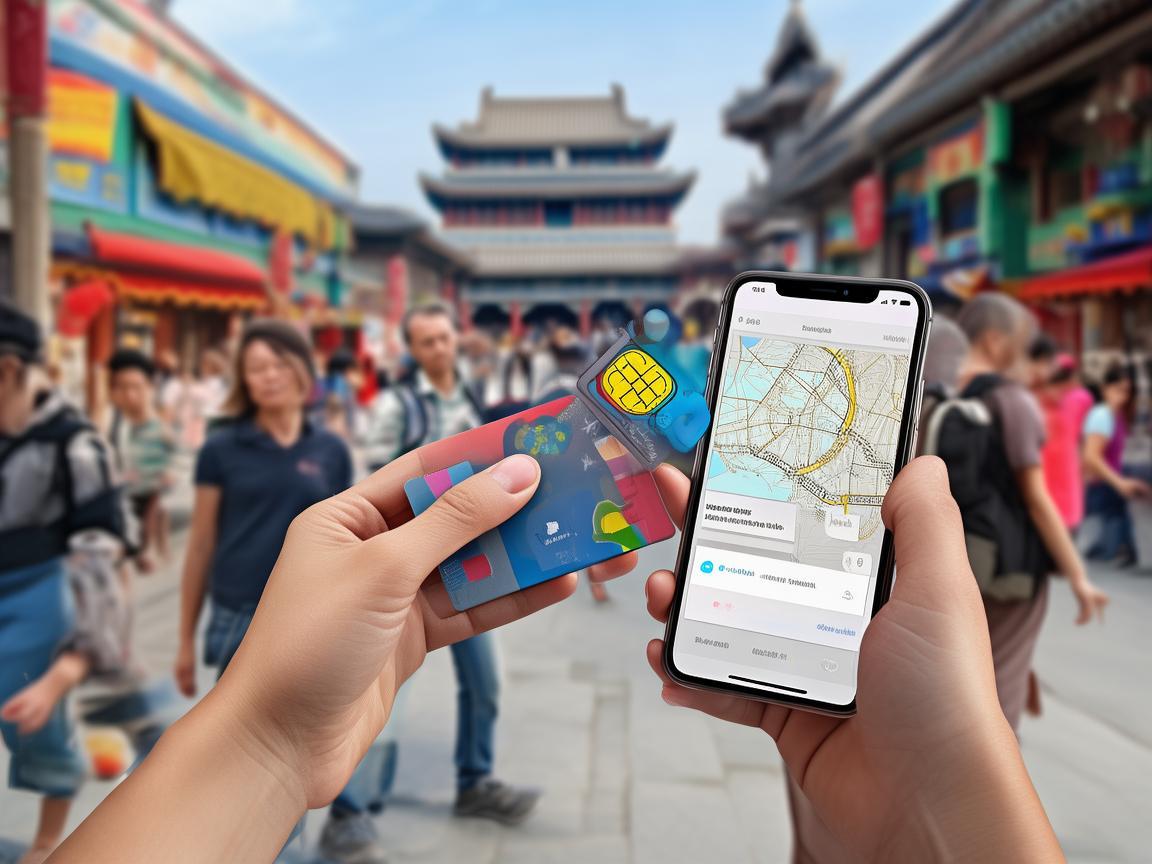
Surviving China’s Internet: A Tourist’s Guide to SIM Cards and Data in Xi’an
First Things First: Why Your Foreign SIM Won’t Work (And Why You Still Need One)
Before we dive in, let’s clear this up: China has strict internet regulations. Foreign SIM cards (like from AT&T, Vodafone, or T-Mobile) do not work here—unless you pay for an expensive international roaming plan, which can cost $10+ per day. Even then, you’ll find most apps (Google, Instagram, WhatsApp, Facebook) are blocked. Yeah, you read that right. No Google Maps, no Instagramming your dinner, no WhatsApping your family back home.
So, a local SIM card is non-negotiable. It’s cheap, easy to get, and will give you access to China’s fast, reliable 4G/5G network. Plus, it lets you use WeChat (China’s super-app for messaging, payments, and more), Alipay (for buying everything from bus tickets to snacks), and local apps like Didi (ride-hailing) and Meituan (food delivery). Trust me, this one little card will make or break your trip.
Step 1: Pick a Carrier—China Mobile, China Unicom, or China Telecom?
Xi’an has three major carriers, and while all three work in the city, they have slight differences. Here’s the lowdown:
China Mobile (中国移动)
- Pros: Best coverage, especially in rural areas or tourist spots outside the city center (like the Terracotta Army or Mount Hua). If you plan to day-trip, this is your safest bet.
- Cons: Sometimes slower speeds in crowded areas (like the Muslim Quarter during peak hours).
- Best for: Travelers who want reliability and plan to explore beyond Xi’an.
China Unicom (中国联通)
- Pros: Faster speeds in urban areas. Great if you’ll mostly be in Xi’an’s city center (near the Bell Tower, Muslim Quarter, or South Street).
- Cons: Weaker coverage in remote or mountainous areas.
- Best for: City-focused travelers who prioritize speed over rural coverage.
China Telecom (中国电信)
- Pros: Good balance of coverage and speed. Often has better customer service for English speakers.
- Cons: Fewer stores than China Mobile/Unicom, so harder to top up if you run out of data.
- Best for: Travelers who want a middle ground and don’t mind a slightly smaller store network.
My recommendation: Go with China Mobile. I used it for my entire trip, and I had signal everywhere—even in the tiny villages outside Xi’an. The speed was more than enough for Google Maps, WeChat, and streaming Netflix in my hostel at night.
Step 2: Where to Buy a SIM Card in Xi’an (And What to Bring)
You can buy a SIM card at the airport, in carrier stores, or even at some convenience stores. Here’s where to go:
Option 1: Xi’an Xianyang International Airport (XIY) – Easiest for Arrival
As soon as you exit baggage claim, you’ll see counters for all three carriers (look for signs saying “SIM Card” or “Mobile Services”). This is the most convenient option because you can get connected before you even get in a taxi.
- What to bring: Your passport. The staff will register your SIM card to your name (it’s required by Chinese law).
- What to ask for: Ask for a “tourist SIM card” (旅游卡). They usually come with pre-loaded data and are ready to use.
Option 2: Carrier Stores in the City – More Choices
If you prefer to shop around, head to a official carrier store. China Mobile has the most locations—here are a few convenient ones:
- South Street (南大街): Near the Bell Tower. This is a busy shopping area, so the store is easy to find.
- Xiaozhai (小寨): A popular student area with lots of tech stores.
- Muslim Quarter (回民街): There’s a small China Mobile store on the main street—handy if you’re already exploring.
- Hours: Most stores are open 9 AM–8 PM, but some in tourist areas stay later.
Option 3: Convenience Stores – Quick and Cheap
Stores like 7-Eleven or Family Mart sometimes sell pre-paid SIM cards, but the data packages are smaller. I’d only recommend this if you’re just staying for a couple of days and need a temporary fix.
Step 3: Choosing a Data Plan – How Much Do You Need?
SIM cards come with different data packages. Here’s what I learned about pricing and what to pick:
Pre-Paid Tourist SIM Cards
These are designed for short stays and come with a set amount of data. For example:
- China Mobile: 30 RMB for 10GB of data (valid for 7 days).
- China Unicom: 50 RMB for 20GB of data (valid for 15 days).
- China Telecom: 100 RMB for 30GB of data (valid for 30 days).
Pro tip: Ask if the data is “national” (全国流量) or “local” (本地流量). National data works everywhere in China, while local data is only for Xi’an. Always pick national—you never know when you’ll take a day trip to Luoyang or Zhengzhou!
Longer Stays? Get a Monthly Plan
If you’re staying over a month, ask about a monthly post-paid plan. I met a traveler who paid 100 RMB/month for 50GB of data—way cheaper than buying weekly tourist SIMs. You’ll need to register your passport and leave a small deposit (usually 200–500 RMB), but you get it back when you cancel the plan.
Step 4: Activating Your SIM Card – The Most Annoying Part (But Easy if You Know This)
Here’s the thing: Chinese SIM cards require real-name registration. You can’t just buy one and pop it in your phone. The carrier staff will help you register, but you need to be ready.
What to Do at the Store
- Hand over your passport: The staff will scan it and enter your details into a government system.
- Fill out a form: They’ll give you a short form to sign (it’s in Chinese, but the staff will help you).
- Set a PIN: You’ll need to set a 4-digit PIN for your SIM card (different from your phone’s lock screen PIN). Write it down immediately—don’t forget it!
- Wait 10–15 minutes: The registration takes a few minutes to process. The staff will give you your SIM card once it’s active.
What If You Buy a SIM Card Outside a Store?
I bought a SIM card from a street vendor once (big mistake). He told me it was “ready to go,” but when I put it in my phone, nothing happened. I had to go to a China Mobile store anyway to register it. Always buy from an official carrier store—it saves time and hassle.
Step 5: Setting Up Internet – The “Internet Settings” That Actually Matter
This is the step that messed me up on Day 1. Even with a registered SIM card, my phone still wouldn’t connect to the internet. Why? Because I hadn’t set up the APN (Access Point Name). The APN is like a “key” that lets your phone connect to the carrier’s network. Without it, you have signal but no data.
Here’s how to set it up (it’s easier than it sounds):
For iPhones (iOS)
- Go to Settings > Cellular > Cellular Data Options > Cellular Data Network.
- Scroll down to APN (under “Cellular Data”).
- Enter the APN for your carrier:
- China Mobile:
cmnet - China Unicom:
uninet - China Telecom:
ctnet
- China Mobile:
- Leave Username and Password blank.
- Go back to the main Cellular Data screen and toggle Cellular Data off and on again.
For Android Phones
- Go to Settings > Network & Internet > Mobile Network > Access Point Names.
- Tap the “+” button to add a new APN.
- Fill in the fields:
- Name: Your carrier (e.g., “China Mobile”)
- APN:
cmnet(China Mobile),uninet(Unicom), orctnet(Telecom) - Username: Leave blank
- Password: Leave blank
- Authentication type: Select “None”
- Tap Save, then select your new APN from the list.
- Toggle Mobile Data off and on again.
Pro tip: If your phone still won’t connect, restart it. That fixed it for me more than once.
Step 6: Troubleshooting – When Your Internet Stops Working
Even with the right SIM and APN settings, things can go wrong. Here are the most common issues and how to fix them:
Issue 1: “No Service” or “Emergency Calls Only”
- Cause: You’re in an area with weak signal (like a basement or subway).
- Fix: Move to a higher floor or go outside. China Mobile’s coverage is good, but no carrier works underground.
Issue 2: Connected to Wi-Fi But No Internet
- Cause: Many Chinese hotels and cafes have “firewalls” that block foreign devices. Your phone might connect to the Wi-Fi, but you can’t access the internet.
- Fix: Use your mobile data instead. It’s more reliable anyway.
Issue 3: Slow Data Speeds
- Cause: You’ve used up all your data, or you’re in a crowded area (like the Muslim Quarter during lunchtime) where everyone’s using the network.
- Fix: Check your data balance by dialing
10086(China Mobile) or10010(Unicom) and following the prompts (they’ll speak English). If you’re out of data, buy more at a carrier store or top up online via WeChat (search for “运营商充值” or “carrier recharge”).
Issue 4: Apps Still Blocked (WeChat, Alipay Work, But…)
- Cause: Some apps (like Google, Instagram, WhatsApp) are blocked in China. Even with a Chinese SIM, you can’t access them.
- Fix: Use a VPN. I recommend downloading a reliable VPN before you leave home (most Chinese VPNs are blocked). Once you’re in China, turn on your VPN to access blocked apps.
Final Tips: Staying Connected in Xi’an
- Download apps offline: Before you leave home, download offline maps on Google Maps (yes, it works with a VPN) and translate key phrases into Chinese.
- WeChat is your lifeline: Get it before you go. You can use it to message friends, pay for taxis, and even order food.
- Save carrier numbers: Save
10086(China Mobile) and10010(Unicom) in your phone. If you have issues, you can call them (they have English-speaking staff). - Don’t lose your SIM card: It’s a pain to replace. Keep it in a SIM card holder or store it in your phone’s case when you’re not using it.
The Bottom Line
Getting internet in Xi’an isn’t as scary as it seems. With a local SIM card, the right APN settings, and a little patience, you’ll be connected in no time. I spent less than 50 RMB on data for my entire two-week trip, and it made exploring the city so much easier. No more gesturing at maps or begging taxi drivers to use their GPS—just smooth, stress-free travel.
So, before you pack your bags, grab a Chinese SIM card. It’s the one thing you’ll thank me for when you’re sipping bubble tea in the Muslim Quarter, trying to find the best roujiamo (Chinese hamburger) in town—and actually succeeding.
Happy travels (and happy browsing)!
Xi’an Airport Transfer Service
Private English-speaking driver service in Xi’an operated directly by Bruce Zhang. 24/7 airport pickup and hotel transfer for foreign travelers.
Helpful for Your Trip in Xi’an
Your Ultimate China SIM App Guide: Navigating Xi’an Like a Local
2026-07-27China SIM: My Lifeline for Seamless Travel in Xi’an
2026-07-27Xi’an Travel Guide: Staying Connected with China SIM for a Hassle-Free Trip
2026-07-27Navigating Xi’an: A Traveler’s SIM Card Troubleshooting Guide
2026-07-27Xi’an Travel Tips: Staying Connected with China SIM & Offline Maps
2026-07-27Why a China 5G SIM Made My Xi’an Trip Effortless (and How to Get One)
2026-07-27Your Essential Guide to Getting a SIM Card in Xi’an: A Traveler’s Handbook
2026-07-27Xi’an Hotspot Access: A Traveler’s No-Nonsense Guide to China’s Ancient Capital
2026-07-27Xi’an Travel Tips: My Hassle-Free China SIM Activation Experience
2026-07-26Your Xi’an SIM Card Survival Guide: Skip the Roaming Rip-offs with China SIM Kiosks
2026-07-26