

Travel WiFi in Xi’an: A Tourist’s Practical Guide
First things first: if you’re traveling to Xi’an like I did, and you rely on your phone for maps, translations, or even just posting photos, you’ll want to sort out WiFi before you get frustrated. I learned this the hard way on my first day, standing in the middle of Muslim Quarter, hungry and turned around, because my phone’s international data was too slow to load Google Maps. Don’t make my mistake—here’s what actually works for travelers in Xi’an, based on my two-week trip.
Start with Airport WiFi: Your First Lifeline
I landed at Xi’an Xianyang International Airport (XIY), and honestly, the free WiFi there was a lifesaver. Here’s how to connect:
- Look for “XIY-Free-WiFi” in your settings.
- Open your browser—you’ll be redirected to a login page.
- You’ll need to enter your passport number and phone number for verification. If you have a Chinese SIM card, use that number. If not, you can enter your international number (I used my US +1 number, and it worked).
- Once verified, you’re online for 2 hours. If you need more, just repeat the process—no hassle.
This got me through finding the airport shuttle, booking a ride on Didi (China’s Uber), and even messaging my hotel to say I was on my way. Pro tip: The airport WiFi is strongest in the departure and arrival halls, so if you have a layover, it’s a good time to download apps (more on that later).
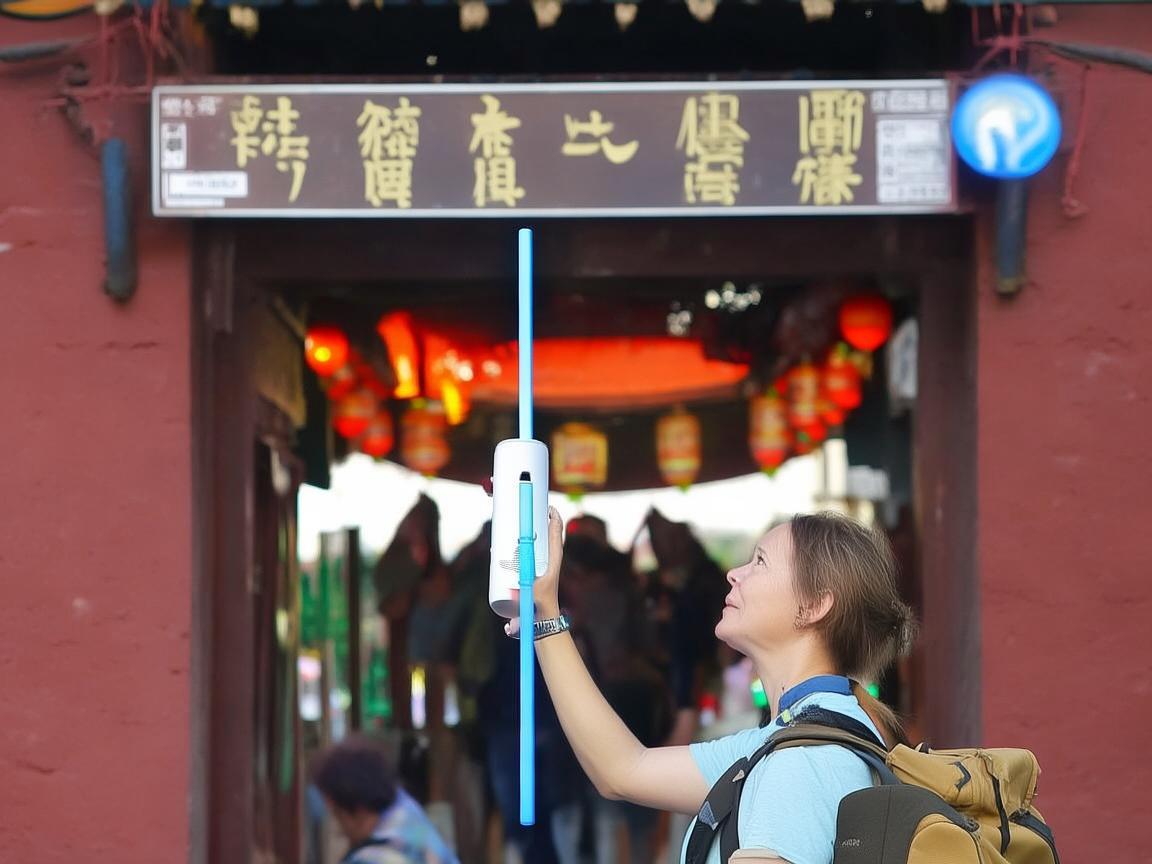
Travel WiFi in Xi’an: A Tourist’s Practical Guide
Hotel WiFi: Reliable, But Have a Backup
Most hotels in Xi’an—from budget hostels to mid-range ones—offer free WiFi. I stayed at a boutique hotel near the Bell Tower, and the WiFi was strong enough for video calls and uploading photos. But here’s the catch:
- Some hotels require you to scan a QR code at reception to get the password. Others let you connect directly, but you might need to verify your phone number (again, a Chinese SIM helps here).
- Peak hours (evenings, when everyone’s back in the room) can slow things down. If you plan to stream movies or work, consider a backup plan (like a travel SIM card—more on that later).
One thing I loved: My hotel had a “WiFi extender” in the room, which boosted the signal near the window. If your hotel’s WiFi is weak, ask the front desk—they might be able to help.
Public WiFi: Hit or Miss, But Useful in a Pinch
Xi’an has free public WiFi in many tourist spots, but it’s not always reliable. Here’s where to find it—and what to expect:
Tourist Sites (Terracotta Army, Big Wild Goose Pagoda, etc.)
- The WiFi at the Terracotta Army (Bingmayong) is called “Bingmayong-Free-WiFi.” It’s decent for quick checks—like looking up the history of a pit—but don’t count on it for navigation. I tried to use it to find the restroom, and it timed out before the page loaded.
- Pro tip: Download the “Xi’an Tourism” official app before you go. It has offline maps of major sites and info in English, so you don’t need to rely on public WiFi once you’re inside.
Metro and Bus
- The metro has free WiFi (“Metro_Free_Xi’an”), but you need to log in with your phone number. I connected it once, but the signal was spotty in tunnels—better to use metro maps offline (downloaded via Google Maps or Baidu Maps).
- Buses? Forget it. Most don’t have WiFi, and even if they do, it’s too slow to be useful.
Cafes and Restaurants
- Starbucks, McDonald’s, and local chains like 85°C Bakery Cafe have reliable WiFi—just ask for the password. I spent a morning at a Starbucks near the Muslim Quarter, using their WiFi to plan my day (and sip a much-needed latte).
- Local teahouses or small eateries? Maybe not. If you’re at a family-run spot, don’t expect WiFi—just enjoy the food!
The Big Issue: Google, Facebook, and Instagram
Here’s the thing: China blocks Google, Facebook, Instagram, and Twitter. So even if you have WiFi, you won’t be able to access these sites without a VPN. I brought a VPN with me, but it was slow on public WiFi. My solution? I used it only when connected to hotel WiFi or my travel SIM.
If you don’t have a VPN, don’t panic. Chinese apps work great:
- WeChat: For messaging (like WhatsApp), paying (more on that later), and sharing moments (like Instagram).
- Weibo: For social media (like Twitter).
- Douyin: For short videos (like TikTok).
- Baidu Maps: Instead of Google Maps—it’s accurate in Xi’an and works offline if you download the map beforehand.
Travel SIM Cards: The Best Backup Plan
After my first day of struggling with slow international data, I bought a travel SIM card at Xi’an Xianyang Airport. It was the best decision I made. Here’s why:
- Where to buy: In the airport’s arrival hall, there are counters for China Mobile, China Unicom, and China Telecom. I went with China Mobile because it has the best coverage in tourist areas.
- What I got: A 30-day “Tourist SIM” with 100GB of data for ¥150 (about $20). It included 5G speed, which was perfect for streaming videos on the train to Luoyang (a nearby city) and using Google Maps everywhere.
- How to activate: The staff helped me insert the SIM and activate it. You’ll need your passport—they register it for you (required in China).
If you don’t want to buy a SIM, you can rent a pocket WiFi device at the airport. It’s about ¥80/day for unlimited data, but you have to carry it around with you. I preferred the SIM—smaller and more convenient.
My Top Tips for Staying Connected
- Download everything offline: Before you leave home, download offline maps of Xi’an on Google Maps or Baidu Maps. Also, download translation apps like iTranslate or Google Translate (with offline language packs)—you’ll need them for menus and signs.
- WeChat Pay and Alipay: Cash is still king in small markets, but most shops and restaurants accept WeChat Pay or Alipay. To use these, you need a Chinese bank account or a “foreigner” card (some international cards work, but it’s hit or miss). My solution? I used my travel SIM to top up my WeChat wallet via a linked international credit card—worked like a charm.
- Don’t rely on hotel WiFi for everything: If you need to make video calls or upload large files, use your travel SIM. Hotel WiFi is great for browsing, but data is more reliable.
- Ask locals for help: If you can’t connect to WiFi, ask a shopkeeper or your hotel concierge. They’re used to tourists and will often help you troubleshoot. I once spent 10 minutes trying to log into a café’s WiFi, and the barista just scanned a QR code for me—done!
Final Thoughts
Xi’an is an incredible city—ancient history, amazing food, and friendly people. But to enjoy it without stress, you need to sort out your WiFi. My advice? Start with the airport WiFi, buy a travel SIM when you land, and download offline maps and apps. With these steps, you’ll spend less time worrying about connection and more time eating roujiamo (Chinese burgers) and marveling at the Terracotta Army.
Safe travels—and enjoy Xi’an!
Xi’an Airport Transfer Service
Private English-speaking driver service in Xi’an operated directly by Bruce Zhang. 24/7 airport pickup and hotel transfer for foreign travelers.
Helpful for Your Trip in Xi’an
Your Ultimate China SIM App Guide: Navigating Xi’an Like a Local
2026-07-27China SIM: My Lifeline for Seamless Travel in Xi’an
2026-07-27Xi’an Travel Guide: Staying Connected with China SIM for a Hassle-Free Trip
2026-07-27Navigating Xi’an: A Traveler’s SIM Card Troubleshooting Guide
2026-07-27Xi’an Travel Tips: Staying Connected with China SIM & Offline Maps
2026-07-27Why a China 5G SIM Made My Xi’an Trip Effortless (and How to Get One)
2026-07-27Your Essential Guide to Getting a SIM Card in Xi’an: A Traveler’s Handbook
2026-07-27Xi’an Hotspot Access: A Traveler’s No-Nonsense Guide to China’s Ancient Capital
2026-07-27Xi’an Travel Tips: My Hassle-Free China SIM Activation Experience
2026-07-26Your Xi’an SIM Card Survival Guide: Skip the Roaming Rip-offs with China SIM Kiosks
2026-07-26